Infotainment System 45
Only the left RSE seatback console
contains the infrared transmitters for
the wireless headphones. They may
be visible as eight illuminated LEDs.
These LEDs are not on the right
video screen. Both seatback
consoles contain an infrared
receiver for the remote control.
They are located at the top of
each console.
Notice: Avoid directly touching
the video screen, as damage may
occur. See “Cleaning the Video
Screens” later in this section for
more information.
Video Screen Input Jack
Each video screen is equipped with
a video input jack to allow video
cables to be connected from an
auxiliary device such as a
camcorder or a video game system.
This signal will override any video
provided by the RSE system; either
the DVD or Auxiliary A/V jack
source. The RSE system must be
on for this input to operate.
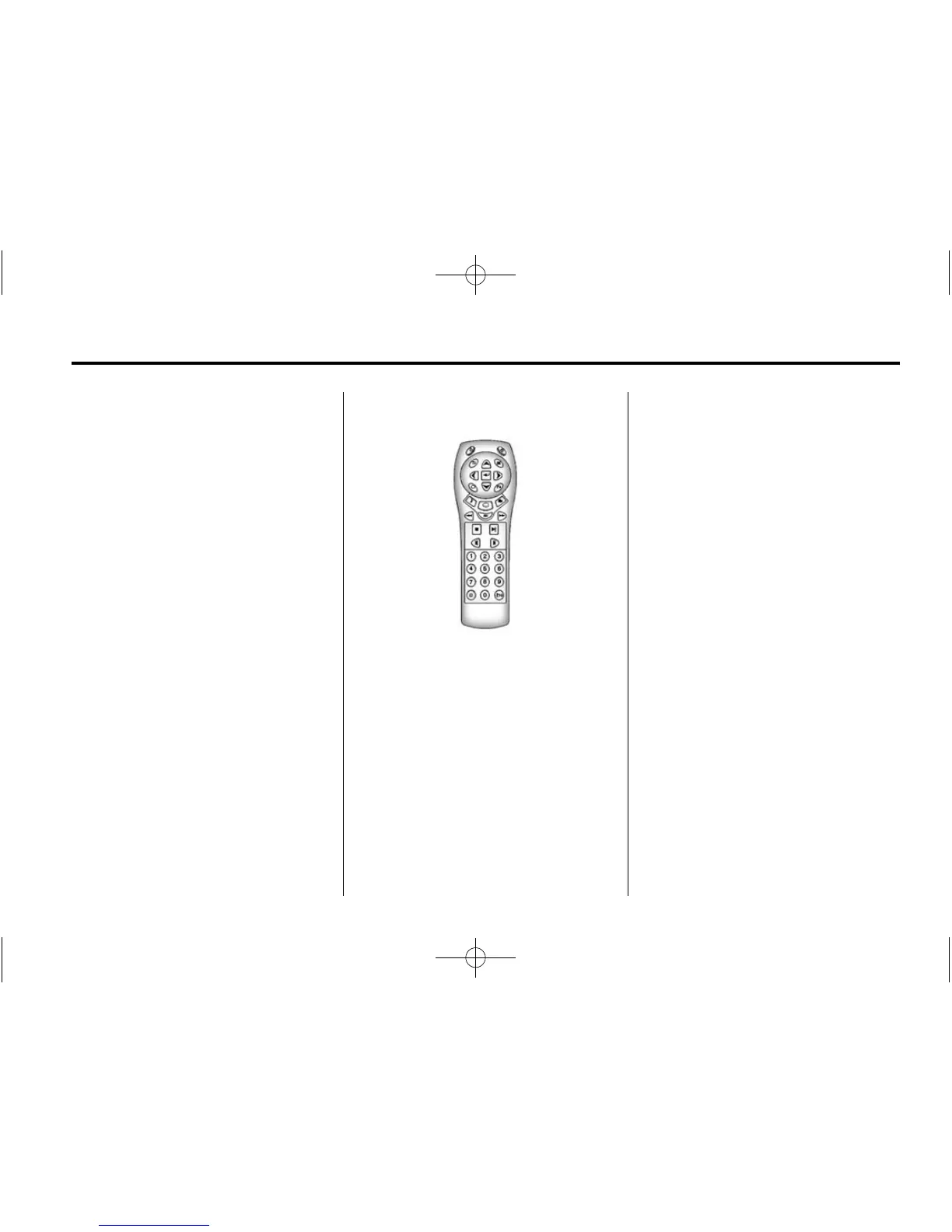
Remote Control
To use the remote control, aim it at
the transmitter window at either
seatback console and press
O.
Direct sunlight or very bright light
could affect the ability of the
RSE transmitter to receive signals
from the remote control. Check the
batteries if the remote control does
not seem to be working. See
“Battery Replacement” later in this
section. Objects blocking the line of
sight could also affect the function
of the remote control.
If a CD, DVD, or MP3 disc is in the
Radio DVD slot, the remote control
O button can be used to turn on the
video screen display and start the
disc. The Infotainment system can
also turn on the video screen
display. See CD/DVD Player on
page 17 for more information.
Use the infotainment system to turn
the video screen display on.
Notice: Storing the remote
control in a hot area or in direct
sunlight can damage it, and the
repairs will not be covered by the
warranty. Storage in extreme cold
can weaken the batteries. Keep
the remote control stored in a
cool, dry place.















 To Next Page