58 Infotainment System
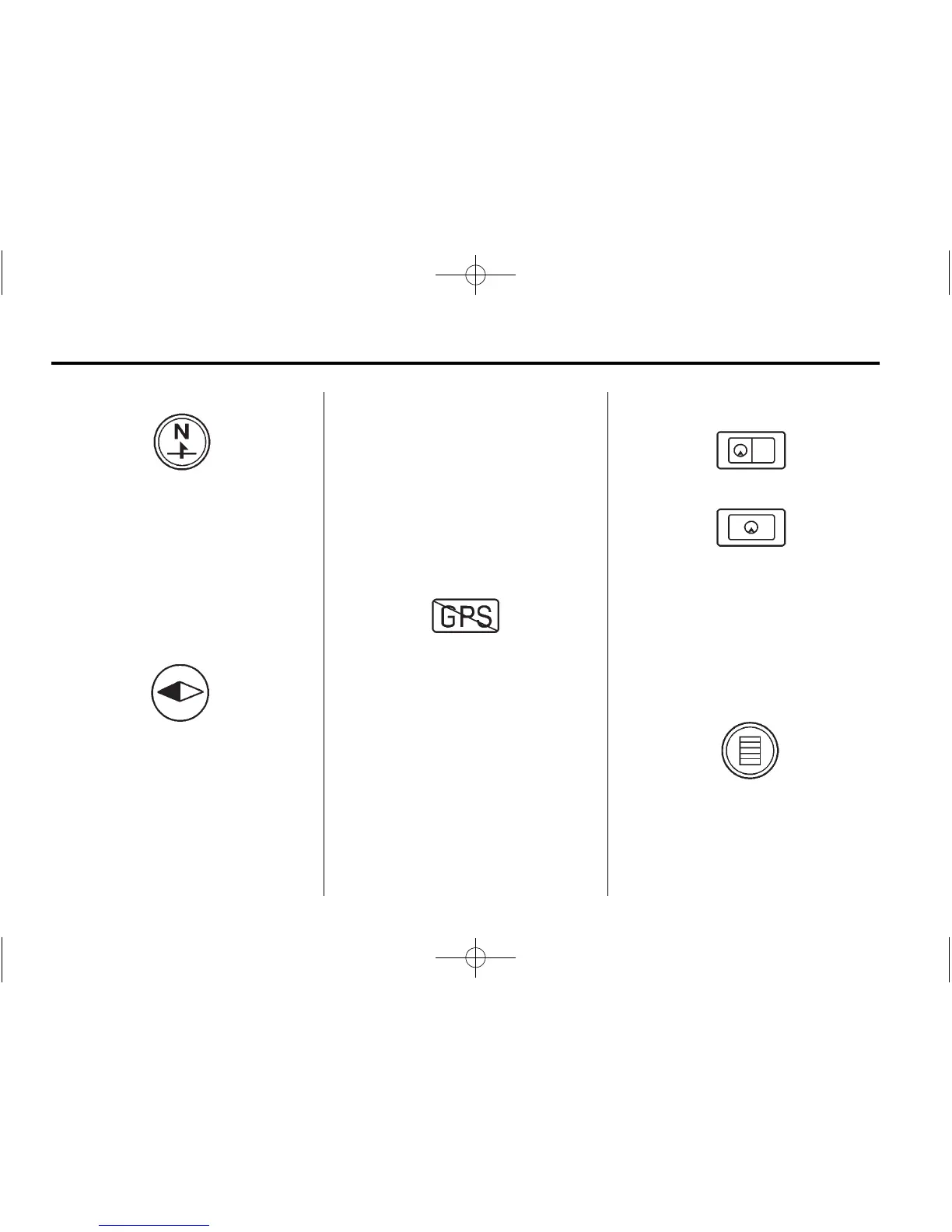
This symbol indicates that the map
view is North Up: North Up displays
North at the top of the map screen
regardless of the direction the
vehicle is traveling. Press this
screen symbol to change the view
to Heading Up or 3-D.
This symbol indicates that the map
view is heading up.
Heading Up view displays the
direction the vehicle is traveling at
the top of the map screen.
The shaded triangle indicates North.
Select this screen symbol to change
the view to North-up or 3-D.
Press this screen symbol to change
to 3‐D mode.
The 3-D symbol is the same as the
Heading Up symbol, but the map is
in 3-D.
The No GPS symbol appears when
there is no Global Positioning
System (GPS) satellite signal.
These symbols indicate that the
information shown on the right side
of the map can be hidden to show a
full screen map view.
This symbol indicates that a menu is
available and displays on the left
side of the screen. Press this
symbol or the MENU/SEL knob to
access the screen menu.















 To Next Page