Infotainment System 61
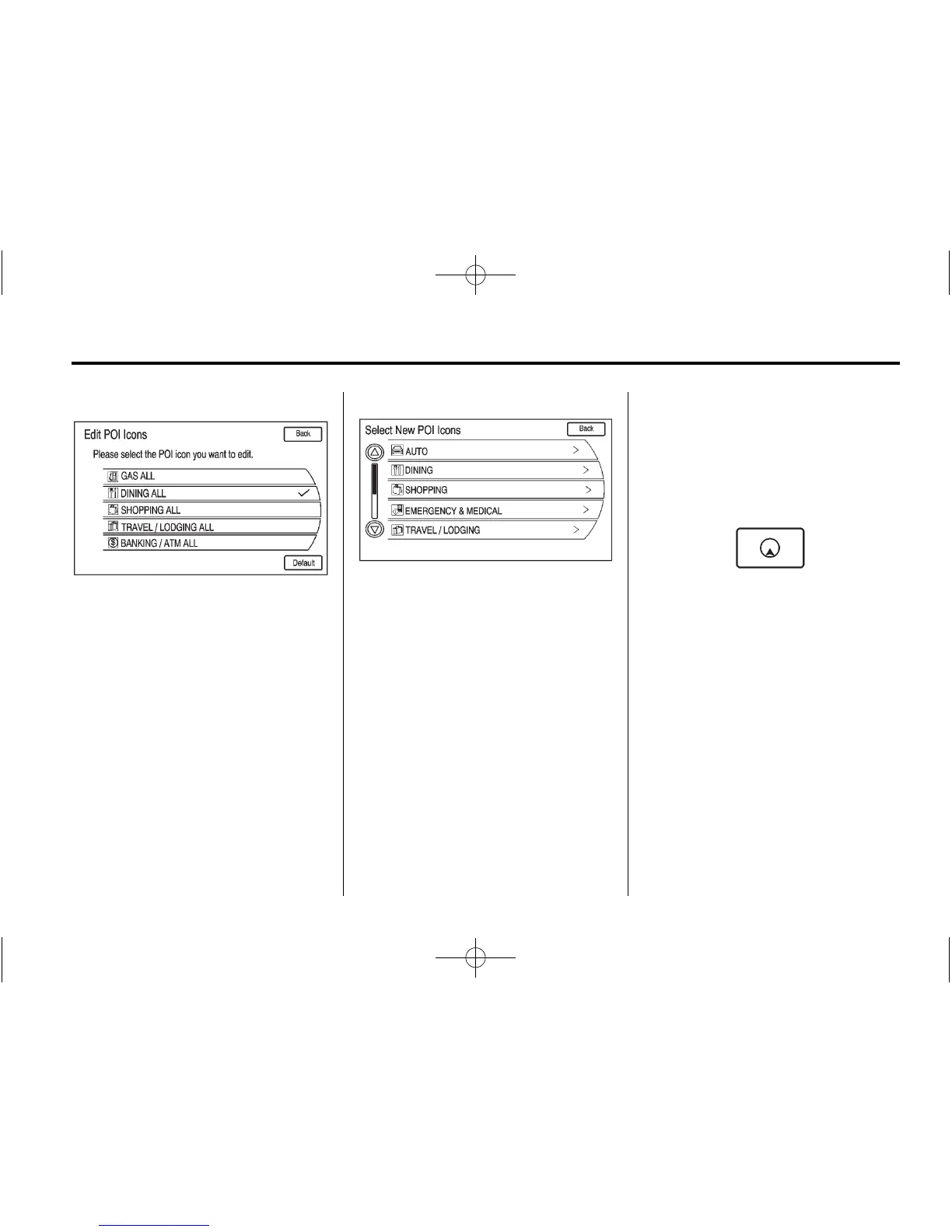
Edit: Press to display a list of
POI icons.
1. Select the POI icon to edit. The
POI icon is replaced by another
icon that is selected from the
next menu.
2. Select the new POI icon.
3. The new icon is on the Show
POI Icons menu.
List: Displays a list of
available POIs.
Clear: Clears all selected POIs on
the Show POI Icons menu.
Nearby: Displays up to 200 or the
selected POI(s) within a 32 km
(20 mi) of the current vehicle
position. The POIs can be sorted by
distance, icon, or type.
Hide: Press to hide the POIs from
view on the map. To display, go to
the Map menu, select the Show POI
Icons menu and select the Show
option.
Press this button to change the full
map screen to the half map screen
and half exit information.
Traffic: Press to display nearby
traffic information and traffic events
on the planned route.
Whole Route: Press to choose
options for the entire route.
Cancel Guidance: Press to cancel
guidance of the current route.















 To Next Page