Infotainment System 69
Waypoints
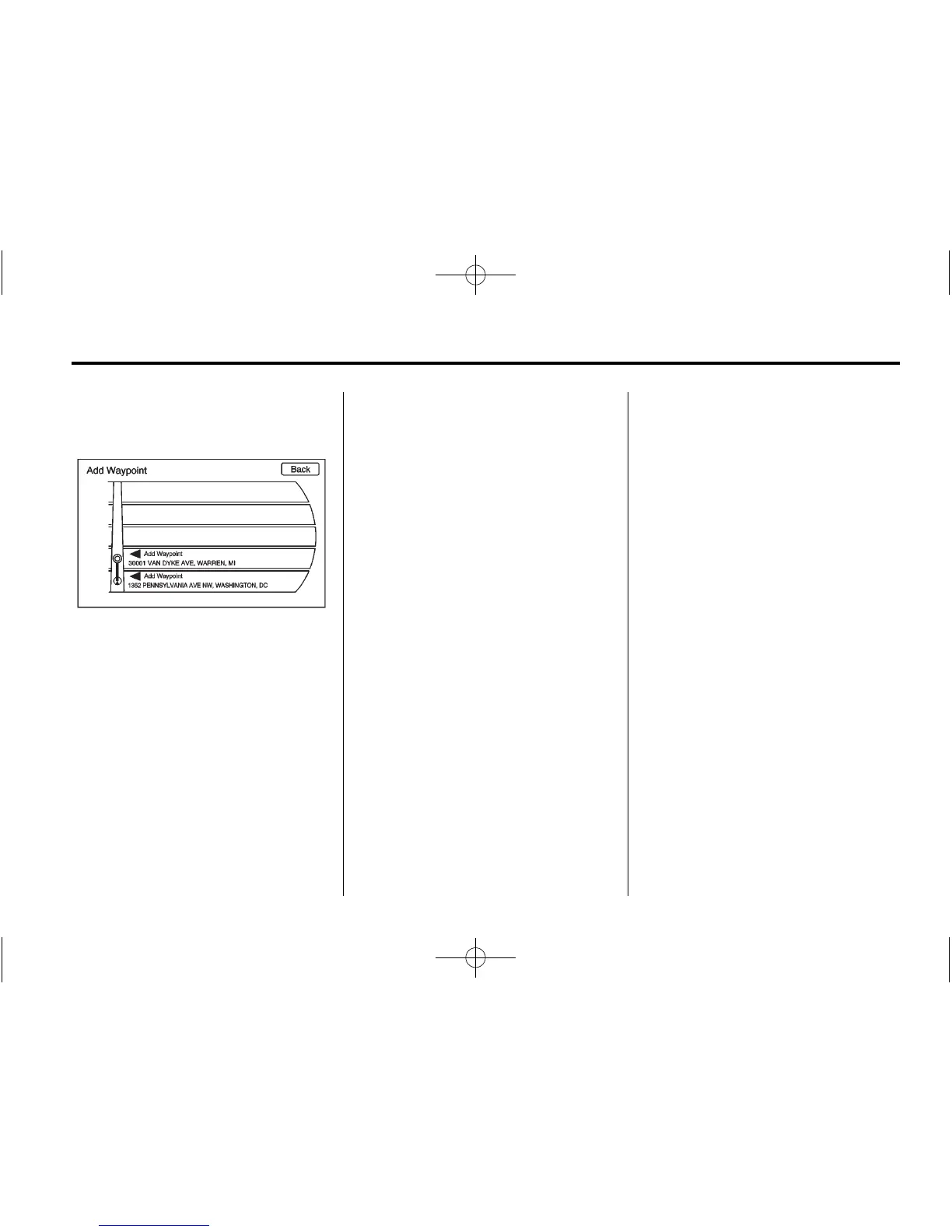
Up to three waypoints can be added
to the current route, between the
start point and final destination. The
waypoints can be edited or deleted.
To add a waypoint:
1. Press DEST.
2. Press the Add Waypoint screen
button. This button is only
available if the route has been
calculated.
3. Enter the waypoint by any of the
add destination methods. See
Destination on page 62 or more
information. The system
calculates and highlights the
route and the route can be
started.
4. To add more waypoints, press
DEST. Press the Add screen
button to add the waypoint in
the order desired on the route.
The system calculates and
highlights the route and the
route can be started.
To delete a waypoint:
1. Press DEST.
2. Press the Delete Waypoint
screen button.
3. Select the waypoint to be
deleted by pressing the screen.
4. A confirmation message
displays. Press Yes to delete the
waypoint; press No to cancel
this operation. The system
calculates and highlights the
route and the route can be
started.











 To Next Page