Infotainment System 7
R. HDD/DVD AUX (Source)
S. RADIO/BAND
T. VOL/
O (Volume/Power)
NAV (Navigation) Menu
The Navigation menu screen allows
access to the navigation system
settings.
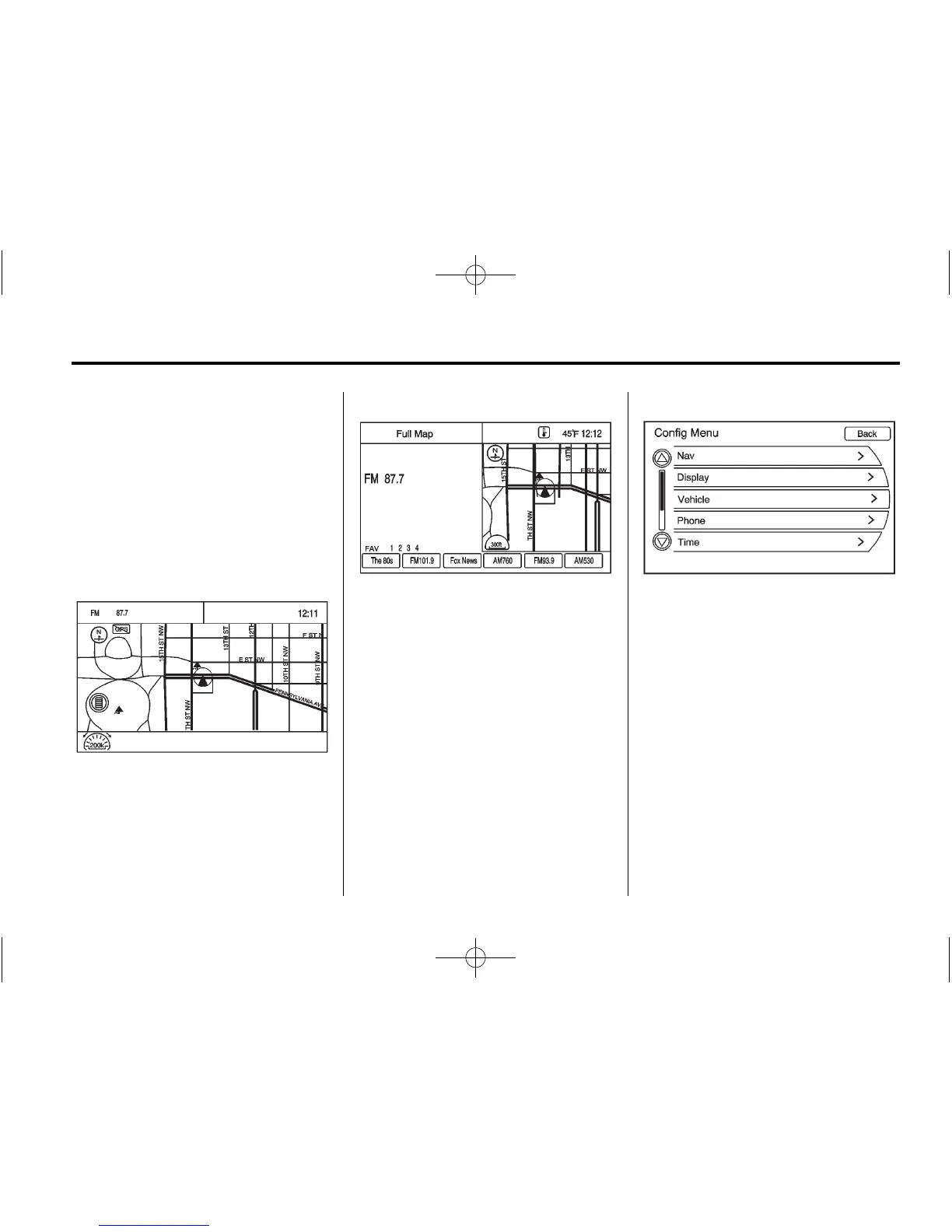
1. Press NAV to go to the
navigation map screen. The map
and your current vehicle location
will be shown.
2. Press NAV to toggle between a
split (map/audio) view or a full
map view.
Config Setup Menu
Press CONFIG to display the
Config Menu. This menu allows
you to access screens where you
can configure various audio,
navigation display, phone, vehicle
configuration, and time features.
To scroll through the available setup
options, press CONFIG to display
the Config Menu features. Turn and
press the MENU/SEL knob or press
the desired option.















 To Next Page