23
Removingthemicrophone
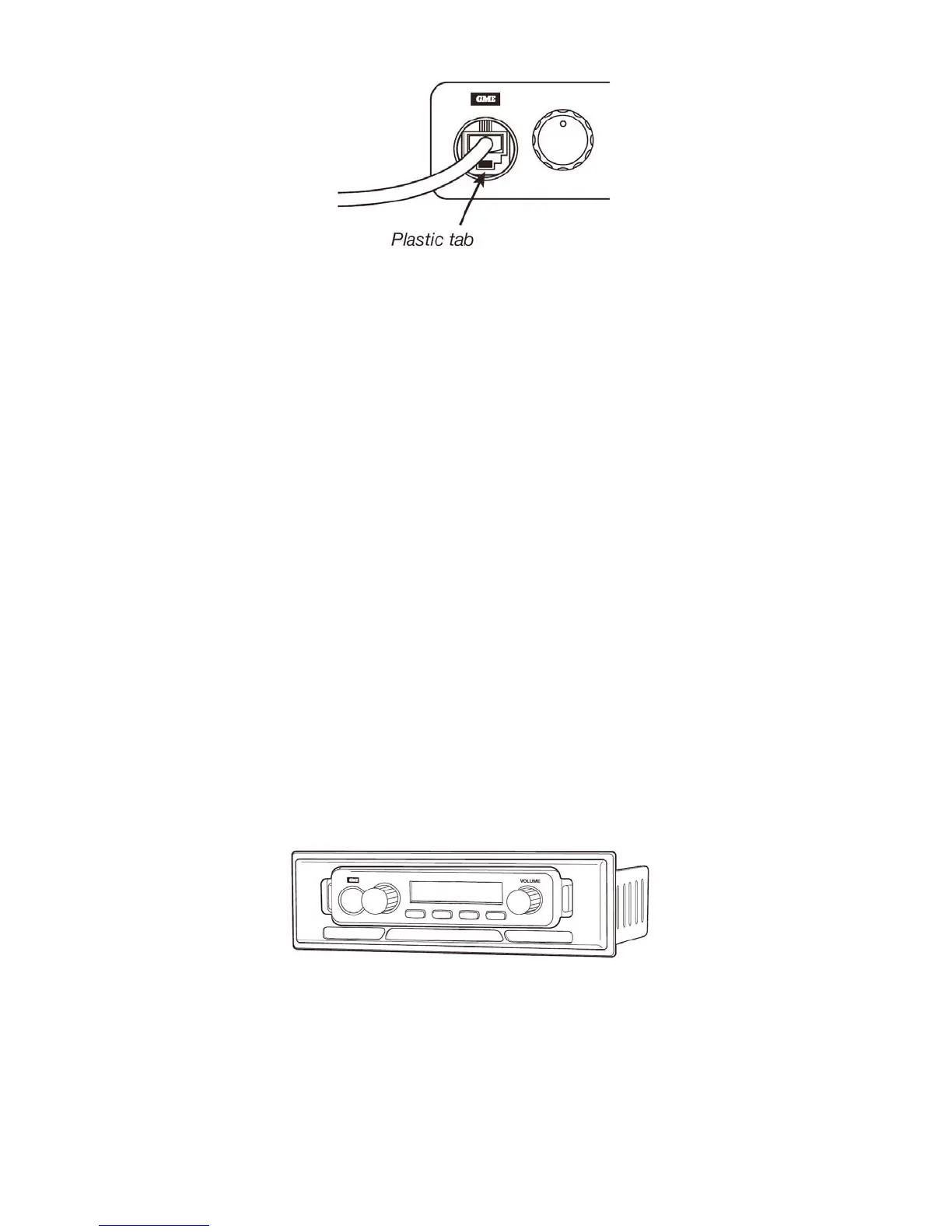
1. Squeezetherubberstrainreliefnearthefrontpaneltodisengagetheslot,andslide
thestrainreliefbackalongthemicrophonecord.
2. Squeezetheplastictabonthemicrophoneplugtowardstheplugtounlockitwhile
gentlypullingtheplugoutwards.
Iftheplugdoesnotcomeouteasily,thetabhasnotreleasedcorrectlyandshouldbe
squeezedagain.
ConsoleMountingtheCM1039Series
Forconsolemounting,aflushmountingDINAdaptorMBD001isavailableasanoptional
accessory.Theadaptorincludesmountingbracketsandaspeciallydesignedfrontpanel
escutcheontosuitmostvehicleinstallations.
Installationinstructionsareprovidedwiththebracket.SeeyournearestGMEretailerfor
details.
DinAdaptorMBD001



 To Next Page