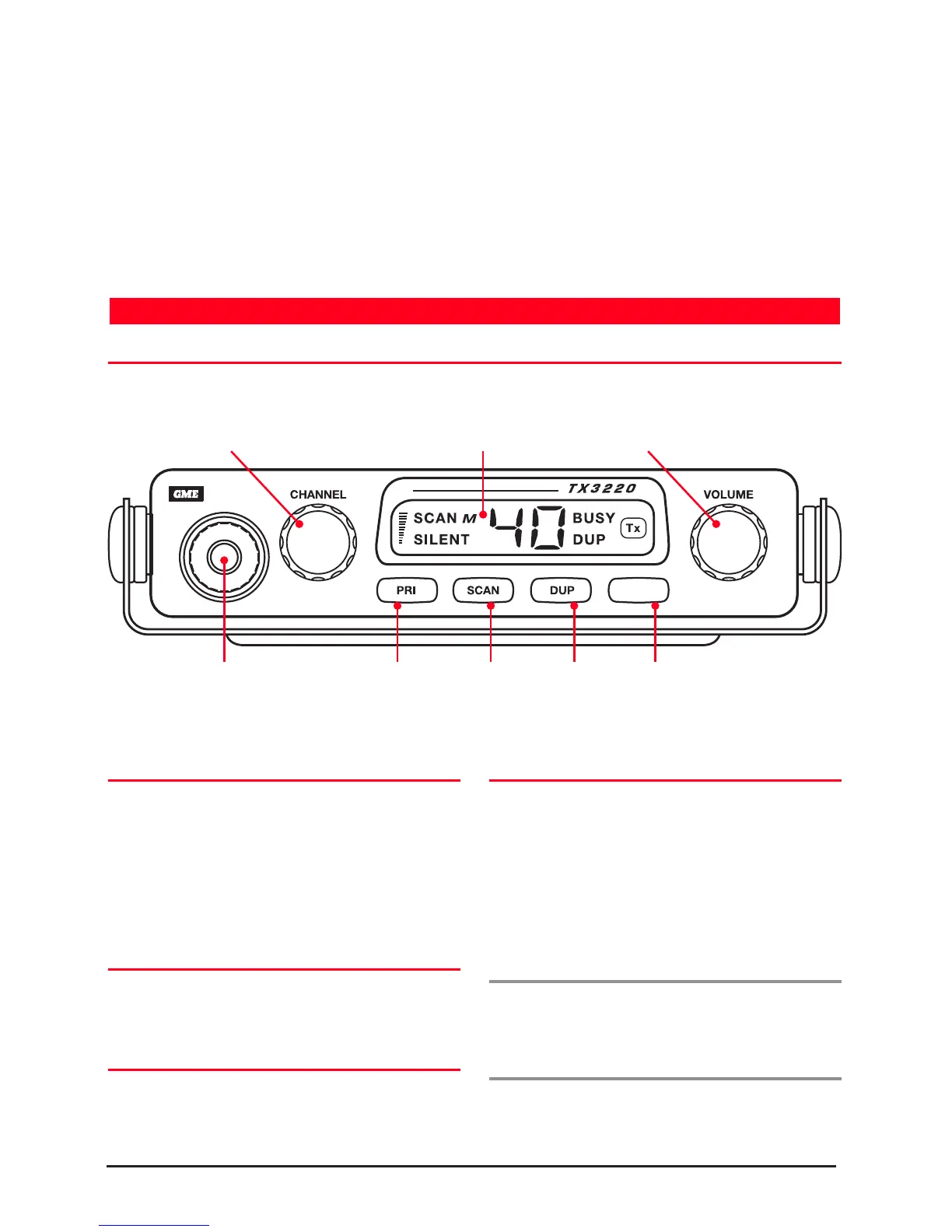
FRONT PANEL CONTROLS
High Contrast Liquid Crystal Display: Fully detailed
and all selected functions at a glance. Backlit for viewing
at night.
CTCSS: A built-in Continuous Tone Coded Squelch
System provides quiet channel operation.
Overvoltage Protection: Special overvoltage detection
circuitry protects the radio and warns of excessive
voltage conditions by flashing the display.
Surface Mount Technology: The very latest surface
mount component types, design and assembly techniques
and quality control procedures are used to ensure the
highest performance and reliability.
Designed and Manufactured in Australia: The
TX3220 has been totally designed and manufactured in
Australian community.
VOLUME
Rotate the Volume control clockwise past the ‘click’ to
comfortable listening level.
pressing the SQL key. You can now adjust the volume by
listening to the receiver’s background noise. When finished,
briefly press the SQL key again to re-mute the radio.
BACKLIGHTING
easy viewing at night or in low light situations. The back
SELECTING CHANNELS
Select the required channel by rotating the Channel
selector knob. Rotate the knob clockwise to select higher
channels and counter-clockwise to select lower channels.
SQUELCH
The Squelch is used to eliminate any annoying background
noise whenever there are no signals present. The Squelch
can be opened or closed with the SQL key. When the
Squelch is open, the receiver’s background noise can be
heard and ‘BUSY’ is displayed. When the Squelch is closed,
the receiver remains quiet while there are no signals present
but any incoming signals will override the Squelch and be
heard in the speaker.
To Open the Squelch
Briefly press the SQL key. A low beep with be heard.
background noise.
To Close the Squelch
Briefly press the SQL key again. A high beep will be heard
and the receiver will become quiet.
OPERATION
Channel Selector Volume Control
Key
Scan Key
Key
Squelch Key



 To Next Page