Adjusting the Squelch level
The TX3220’s default squelch level has been factory set
to provide optimum performance under most operating
conditions, but can be adjusted to suit changing conditions
if required.
To adjust the Squelch level
First press and hold the SQL key while rotating the
channel selector knob. ‘BUSY’ will flash indicating the
TX3220 is now in the Squelch Edit mode (you can now
release the SQL key). Continue rotating the channel
selector knob clockwise or counter-clockwise to select the
required Squelch level. (1-9).
A level of 1 will allow the Squelch to open on very weak
signals, whereas a level of 9 requires reasonably strong
signals to overcome the Squelch. The default level is 2.
To exit and save the current Squelch level:
hold the SQL key for 1.5 seconds (or simply wait
5 seconds for the Edit mode to time-out).
DUPLEX SWITCH
different frequency to that which it receives. This allows
operation through any repeater stations in your area.
Repeaters automatically re-transmit your signal over a
wider area, providing greatly increased range.
TX3220 receives on that channel but actually transmits
30 channels higher.
e.g.
* Emergency Channel only
individual channels. This is particularly useful in country
areas where there may only be one or two repeaters. Then
unused repeater channels can be used for normal simplex or
direct radio-to-radio communications.
To select Duplex on individual channels
1. Select the required channel 1-8.
2. Briefly press the DUP
display accompanied by a high beep.
To remove Duplex from a channel
on the display.
2. Briefly press the DUP
display accompanied by a low beep.
PRIORITY CHANNEL
40 channels in the TX3220 as a priority channel that can be
instantly recalled at the press of a key. This can be used to
provide instant access to your working channel or your local
repeater channel.
To store a Priority channel
1. Select the required channel.
hold the PRI key. The channel display will
flash for a moment then a high beep will be heard as the
selected channel is stored.
To recall a Priority channel
Briefly press the PRI key. The TX3220 will immediately
SCANNING
The TX3220 has a Scan function that allows groups of user
programmable channels to be scanned for activity. Channels
channel is found, scanning will pause to allow the signal to
be heard. Once the channel has been clear for 5 seconds,
scanning will resume automatically.
Scan Groups
The TX3220 has two available Scan groups - Open Scan
and Group Scan.
Open Scan allows any of the channels to be scanned
found, the scan will pause to allow the signal to be heard.
Once the channel has been clear for 5 seconds scanning will
resume automatically.
e.g. Scanning channels 1-40 in Open Scan
Group Scan allows you to transmit and receive normally
conversation the radio will scan and listen to several other
channels ONLY WHILE THERE ARE NO SIGNALS ON
THE PRIORITY CHANNEL.
1 - 2 - 3 - 4 - . . . . . . . . . . - 39 - 40
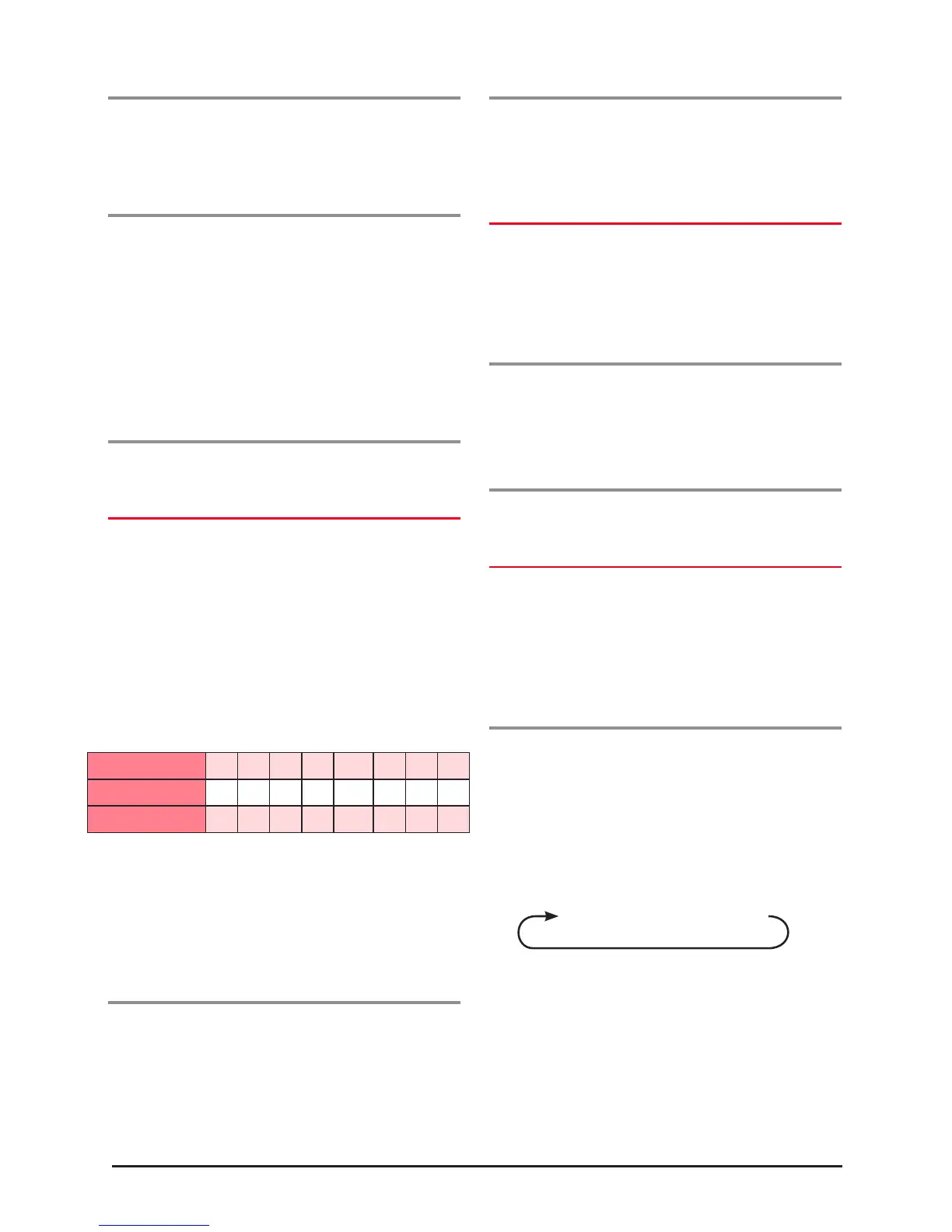
Channel Selected 1 2 3 4 5* 6 7 8
Receive Channel 1 2 3 4 5* 6 7 8
Transmit Channel 31 32 33 34 35* 36 37 38



 To Next Page