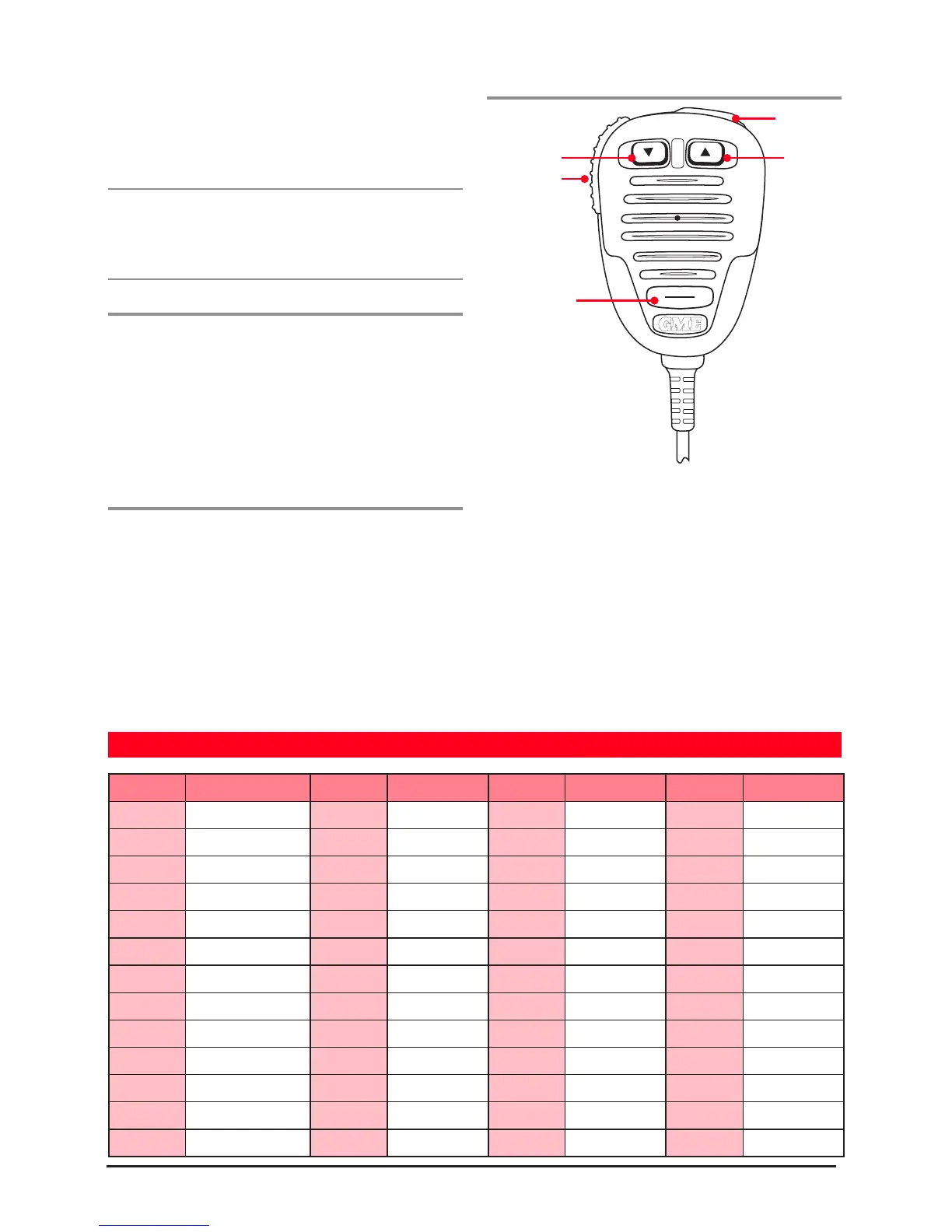
channel selectorSQL key to store
the tone.
OFF then ON again to return to
normal operation.
Note: To disable the sending or receiving of CTCSS tones,
are set to 00, the CTCSS function is disabled and can not
be selected.
To enable the CTCSS function on a channel
1. Select the required channel.
hold the SQL key until a high beep is heard.
You may activate CTCSS on as many channels as you wish
except channels 1-8 (CTCSS is automatically disabled on
repeater channels and the emergency channel 5 where
ACMA regulations require that CTCSS be disabled).
To de-activate CTCSS
Repeat the steps above. A low beep will be heard and
Optional Microphone MC503B
CTCSS TONE FREQUENCY CHART
Tone No. Frequency Hz. Tone No. Frequency Hz. Tone No. Frequency Hz. Tone No. Frequency Hz.
00 0 13 100.0 26 156.7 39 196.6
01 67.0 14 103.5 27 159.8 40 199.5
02 69.4 15 107.2 28 162.2 41 203.5
03 71.9 16 110.9 29 165.5 42 206.5
04 74.4 17 114.8 30 167.9 43 210.7
05 77.0 18 118.8 31 171.3 44 218.1
06 79.7 19 123.0 32 173.8 45 225.7
07 82.5 20 127.3 33 177.3 46 229.1
08 85.4 21 131.8 34 179.9 47 233.6
09 88.5 22 136.5 35 183.5 48 241.8
10 91.5 23 141.3 36 186.2 49 250.3
11 94.8 24 146.2 37 189.9 50 254.1
12 97.4 25 151.4 38 192.8
Channel Up
Skip



 To Next Page