Page 31
General Machine Products (KT), LLC
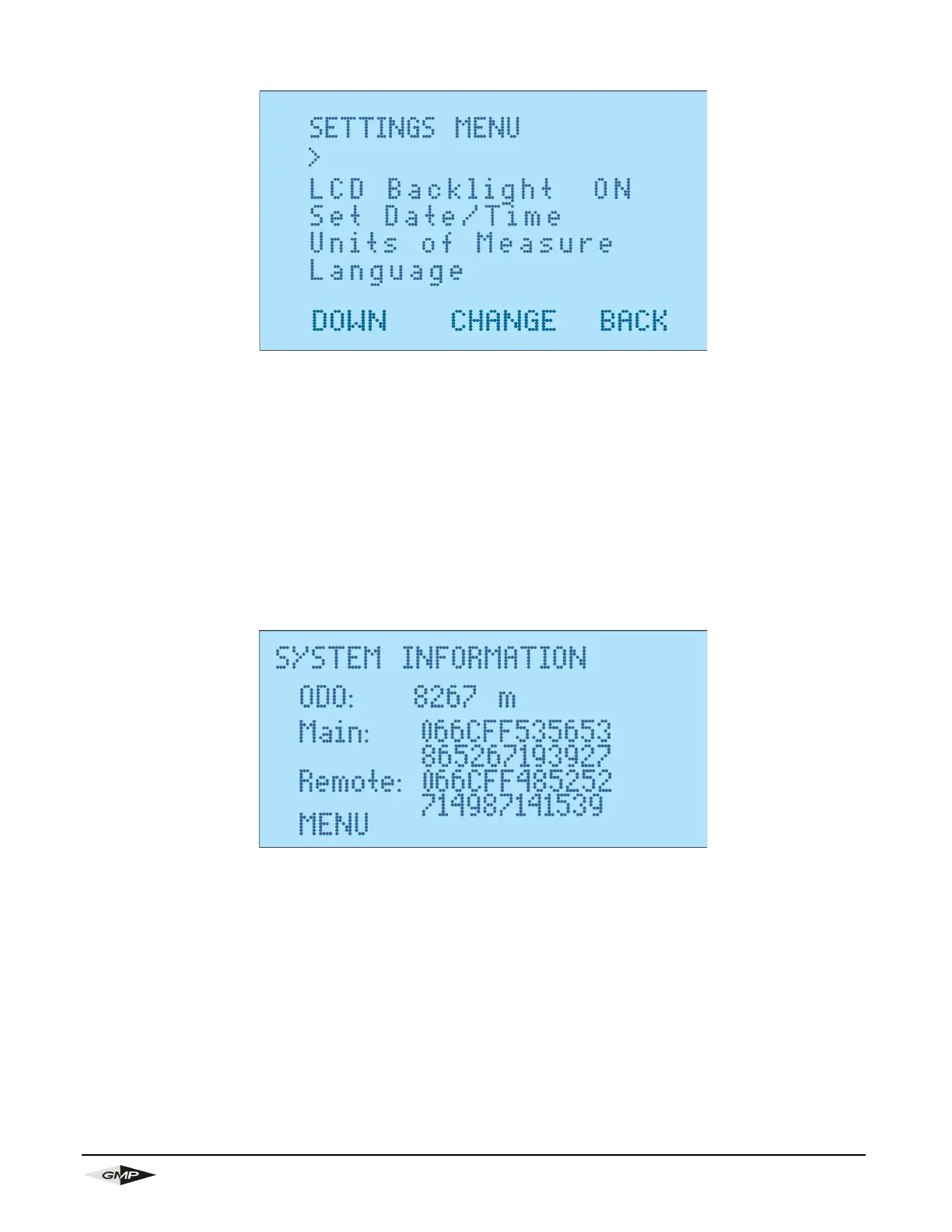
13.4 SETTINGS SCREEN
This screen is selected from the main screen by going into “Settings”.
Use the blue buttons to go down the screen options.
If you press the “CHANGE” button when on the “LCD Backlight” it will turn the backlight either on or off.
You will be taken to a separate screen if you select “Set Date/Time”, “Units of Measure” or “Language”. In
these screens you can press the blue buttons to make the relevant changes.
13.5 SYSTEM INFORMATION SCREEN
This screen is selected from the main screen by selecting “System Information”.
The screen shows the machine odometer along with main board and remote board identification numbers.


 To Next Page