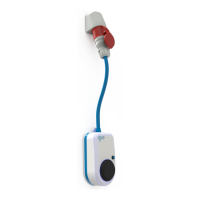
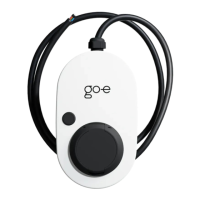
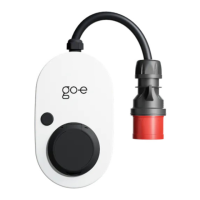
Activation
Activate or deactivate charging. Depending on the
settings under "Settings/Access Control", you must
authorize each charging process using this button or
an RFID card.
The cable remains locked in the standard setting
until it is disconnected from the vehicle.
Change Ampere
The charging power can be freely selected between
6-16 A (go-eCharger HOME+ 11 kW) or 6-32 A
(go-eCharger HOME+ 22 kW). This setting always
applies to all phases.
To change the default settings for the multifunction
button, go to "Settings/Button".
Automatic stop
Set the max. kWh that you want to charge into your
vehicle.
This function is very handy if you live on a mountain
and can recuperate during the downhill run, or if you
are regularly able to charge cheaper in public or at
the employer's office.
Charging Info
The overview gives you an overview of the current
charging capacity in kW and the already charged
energy in kWh.
Under the button "show more" you get detailed
information about the charge, voltage etc.
Page 16
Settings
Serial
Displays the serial number and name of the
connected device.
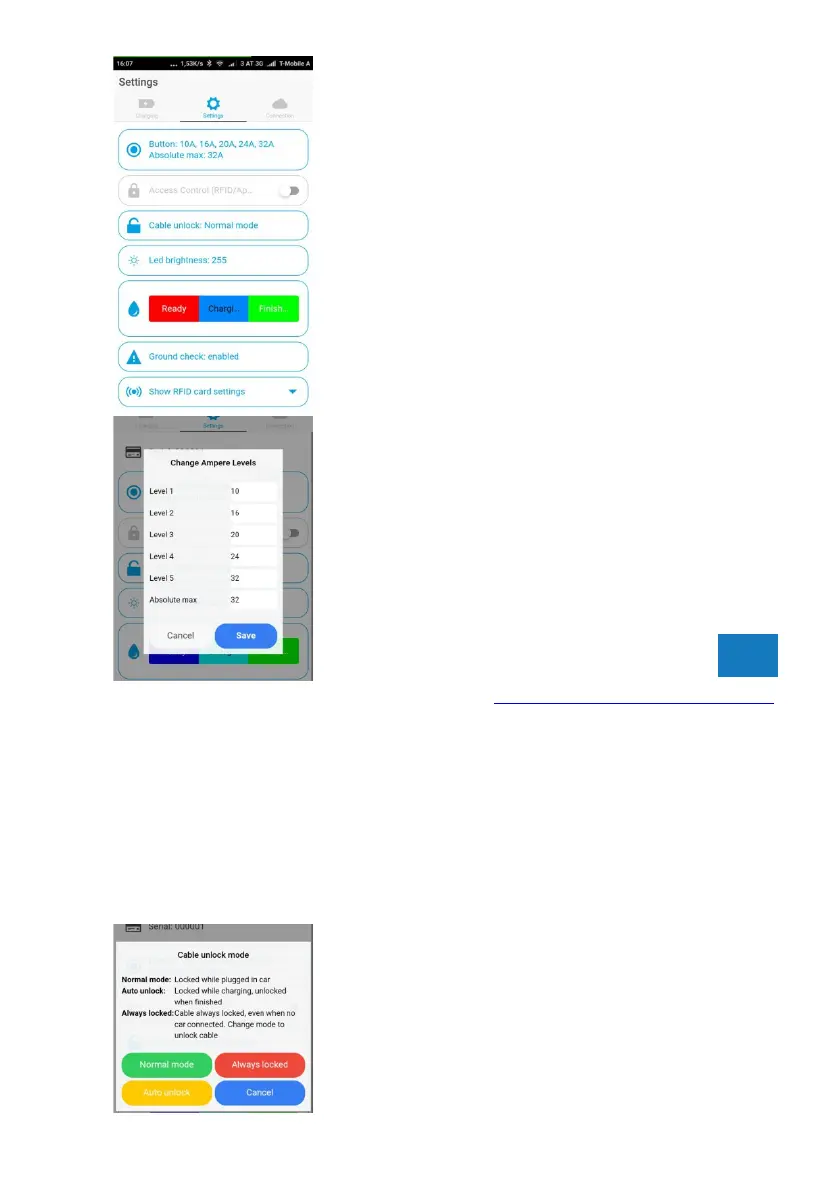
Button
Define the charge levels you want to load with the
button on your go-eCharger. Input fields set to "0" are
skipped during selection with the button.
Access control
Four different options are available:
- Open
Charging begins after connection to vehicle
- RFID/App
Activation necessary
- Electricity prices (only available online)
(further information www.awattar.com/services/goe)
- Set the desired charging time
- Set the charge cut-off time
- Load timer
This function allows you to set a charging start at any
time.
Load balancing
Detailed instructions can be found in the App.
Cable unlock
Controls whether the cable should remain locked
after charging until it is disconnected from the
vehicle, unlocked immediately after charging or
locked until it is unlocked via the app.
Page 17
TIP
TIP
TIP



 To Next Page