9
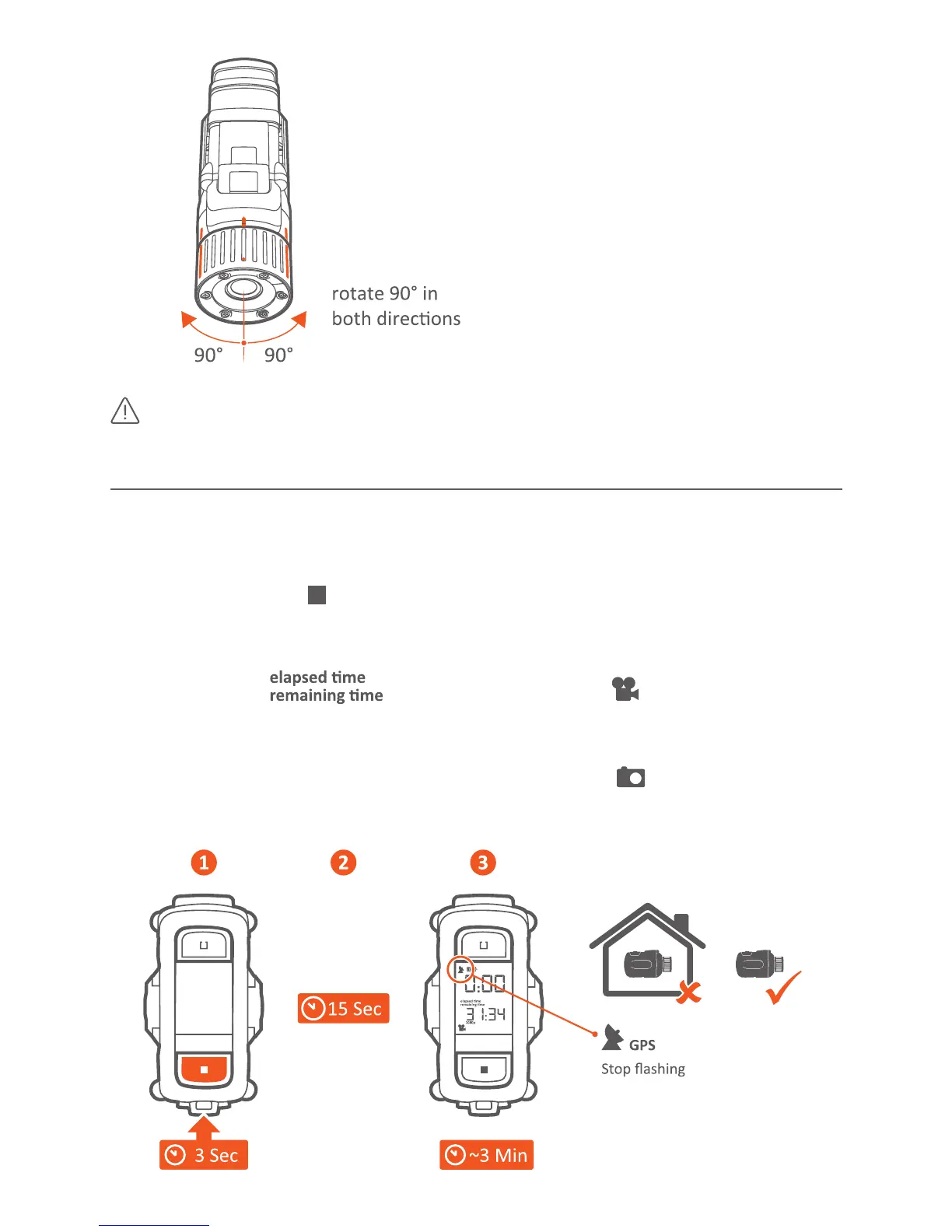
The GPS performance is beer when GPS antenna (underneath
Record switch) looks towards the sky.
POwER On
· Press and hold the buon for a minimum of 3 seconds.
· Display shows GO and counng up while starng
· Camera beeps once and the rear LED blinks in green when ready.
· Display shows: and is in Video Mode ( ) - in the last used
video resoluon, frame rate and eld of view.
You are ready to record a video.
· If your last mode was Picture mode, display shows
You are ready to take picture sequences in the last used mer sengs



 To Next Page