Need help?
Do you have a question about the Godex DT Series and is the answer not in the manual?
Essential safety guidelines for operating the device to prevent hazards.
Lists all items included in the printer package.
Detailed technical specifications for DT2, DT4, and DT2x models.
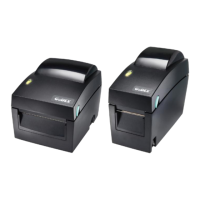
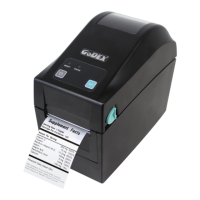
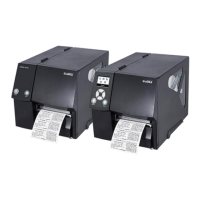
Visual identification of external and internal printer components.
Step-by-step guide to correctly load label paper into the printer.
Instructions for switching the paper roll core size for different label rolls.
Guide on establishing a wired connection between the printer and a PC.
Detailed process for installing the necessary printer driver software.
Explanation of the FEED key's operation for paper feeding and calibration.
Performing self-tests and understanding error indicators and solutions.
Step-by-step guide to install the NetSetting software for network management.
Overview of the NetSetting software interface for printer configuration.
Configuration options for printer network and IP address settings.
How to configure email (SMTP) and SNMP alerts for printer errors.
Adjusting various printer settings like resolution, speed, and sensing mode.
Step-by-step instructions for installing the automatic label peeler.
Instructions for attaching the optional label cutter module.
Procedures for cleaning and maintaining the print head for optimal performance.
Steps to remove paper jams from the cutter module.
Guidelines and precautions for using paper with black line marks.
A table listing common problems, their causes, and solutions.
Pinout details for serial, USB, and Ethernet interfaces.
 General
| Memory | 8 MB Flash |
|---|---|
| Media Type | tag, ticket |
| Core Diameter | 25.4 mm (1") |
| Processor | 32 bit RISC CPU |
| Interfaces | USB |
| Power | 100-240V AC, 50/60Hz |

 To Next Page