APPENDIX
Wi-Fi Printer Sever Module Installation(Quick Setting)
Set up wireless network through GoDEX WiFi tool
1. Turn on the printer,connect printer and computer by USB cable.
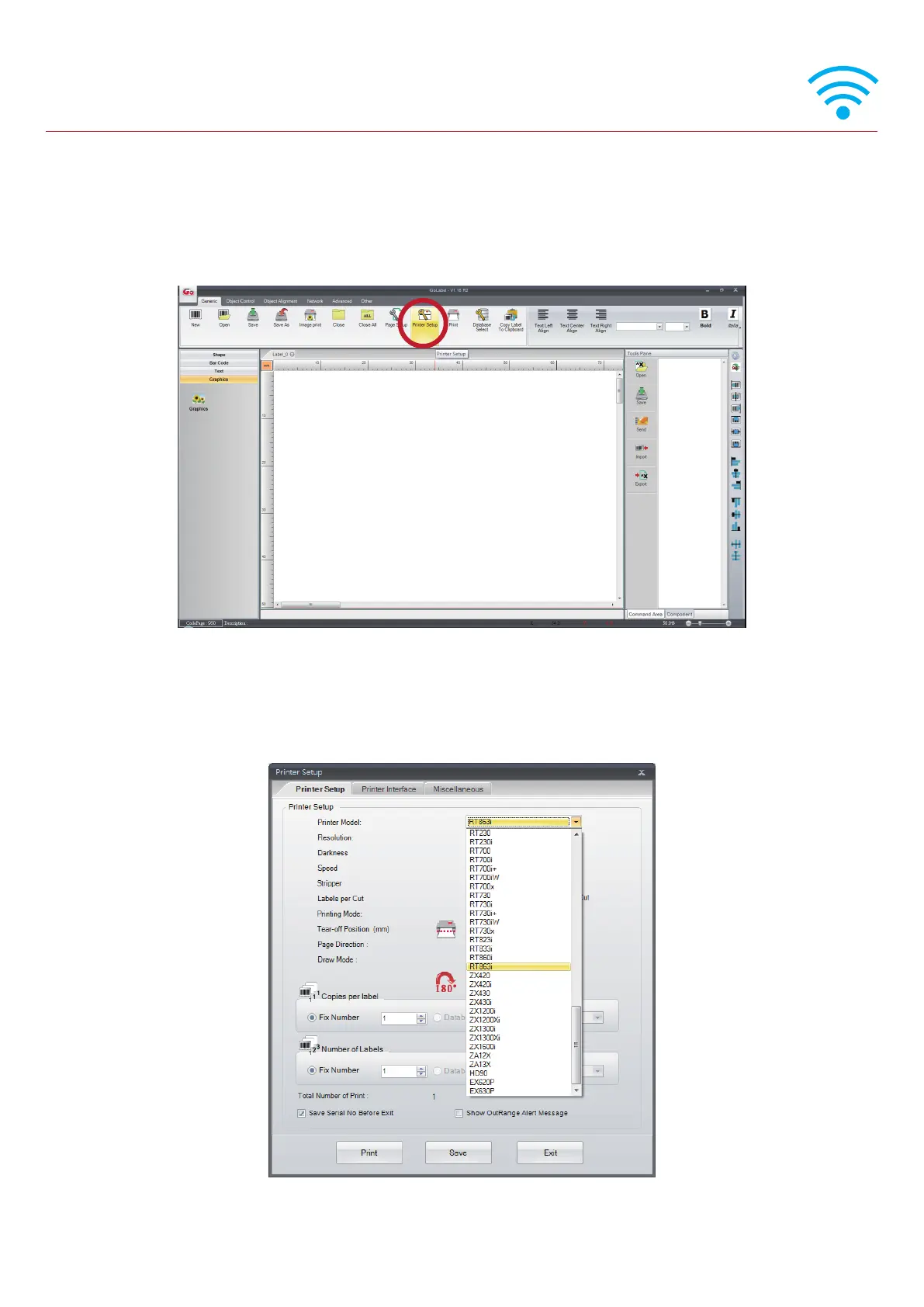
2. Start GoLabel.
3. “Generic”→”Printer Setup”.
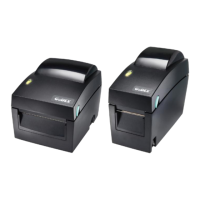
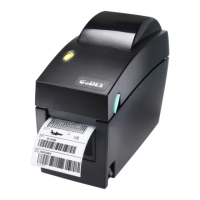
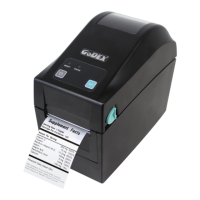
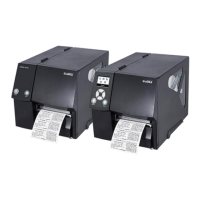
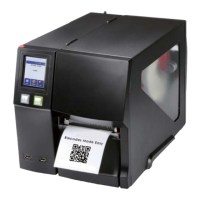
4. Select printer moedel(Wi-Fi supported models).
* Quick setting only supports GoLabel 1.15K and Arm 7 (FW1.100)
Or Arm 9 (FW2.00A) or higher version



 To Next Page