9
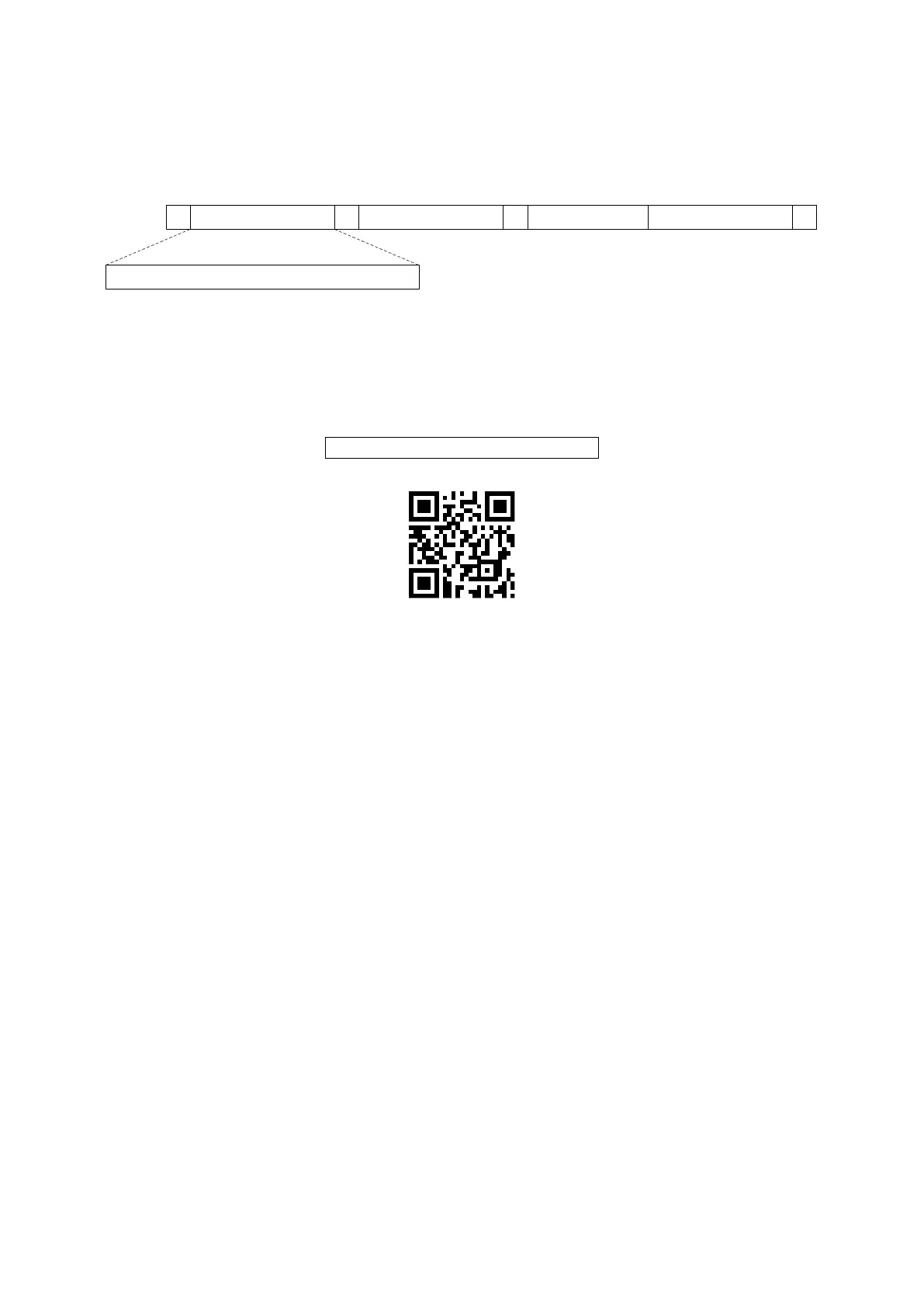
3-2 Example 2: Multiple-parameter setting by scanning a QR code
barcode
User can customize a QR code to set multiple parameters. The scanner can set multiple
parameters by scanning this single QR code barcode.
1. The data format of the QR code barcode is as following.
Note that:
➢ <Option barcode index> means the corresponding 4 digits of Option barcode.
➢ <D/H> means “D” or “H” character. D means that the type of alphanumeric entry is decimal;
and H means that the type of alphanumeric entry is hexadecimal.
➢ <Alpha. entries> is a character string with various length of 2, 4, or other values.
Example: Set 0401->03 (decimal); 8002->0D0A (hexadecimal); 8202->01 (decimal). The
customized QR code barcode contents and symbol are as following.
%0401D03%8002H0D0A%8202D01%
2. Notes of making QR code barcode
The model is chosen as M2. Other requirements, e.g. ECC level, Start mode, etc, are not
specified.
Other notes
➢ The contents of a QR code barcode can include several same <Option barcode index>
associated with same or different <Alpha. entries>. In the case of with different <Alpha.
entries>, the latest <Alpha. entries> is the valid one.
➢ If any one of the parameter settings is invalid, the total setting is failed. The invalid setting
can be caused by one of the following problems: invalid <Option barcode index>, invalid
type of <D/H>, invalid type, length or value range of <Alpha. entries>, etc.



 To Next Page