22
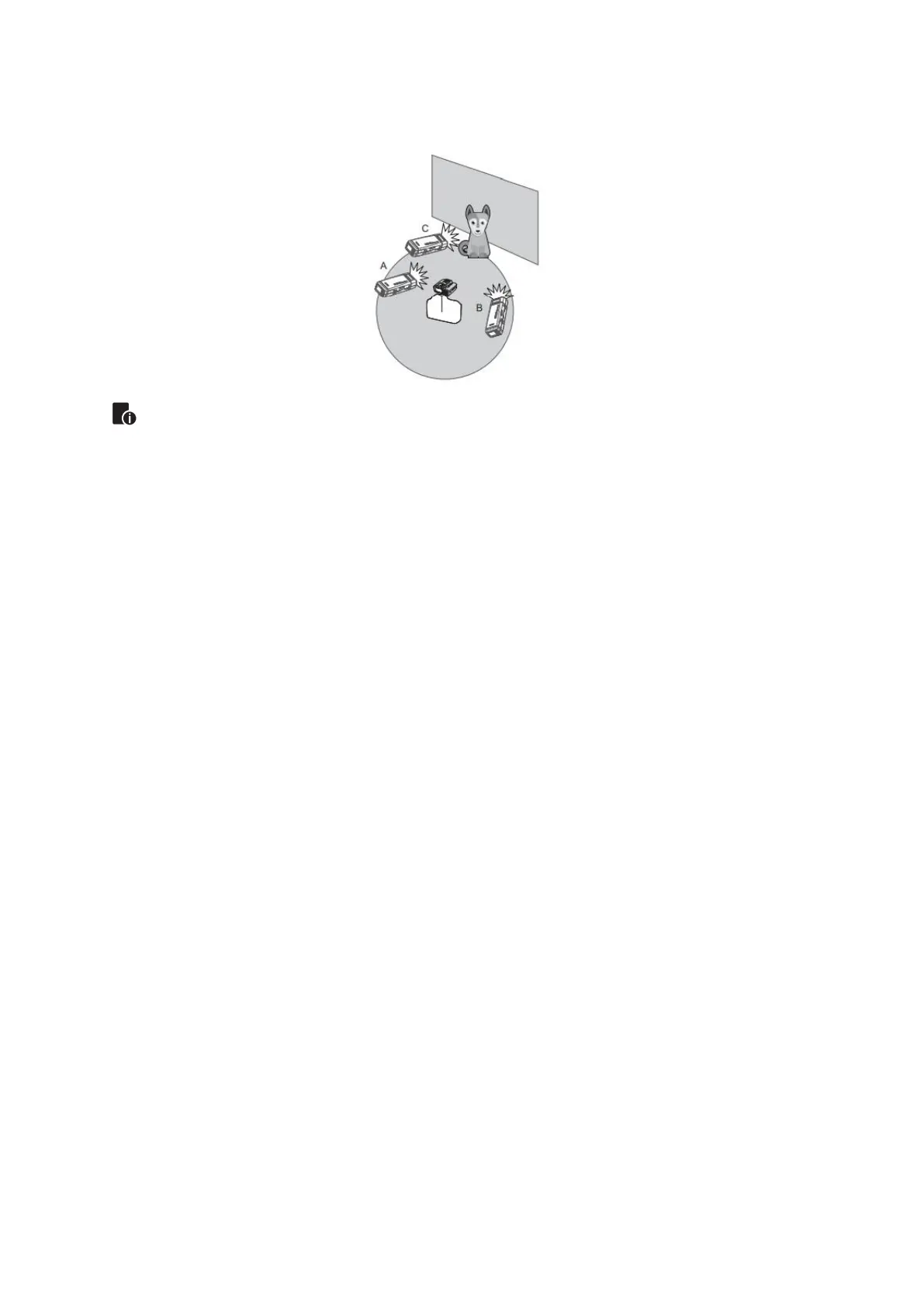
• Auto Shooting with Three Slave Groups.
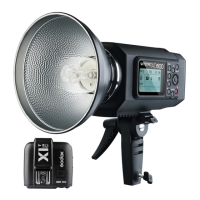
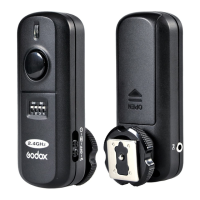
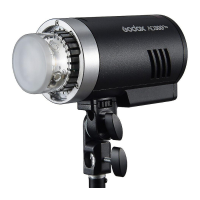
When using the AD300Pro and Godox X2 series trigger together, the X2 can
control the flash function such as:
• Flash Mode: TTL, M, Multi
• Sync Mode: First-curtain sync, second curtain sync and High-speed sync
• Control the power level
• Modeling Lamp turn on or off
• Beeper turn on or off2
The Reason & Solution of Not Triggering in Godox 2.4G
Wireless
Disturbed by the 2.4G signal in outer environment (e.g. wireless base station, 2.4G
Wi-Fi router, Bluetooth, etc.)
• To adjust the channel CH setting on the flash trigger (add 10+ channels) and use
the channel which is not disturbed. Or turn off the other 2.4G equipment in
working.
Please make sure that whether the flash has finished its recycle or caught up with
the continuous shooting speed or not (the flash ready indicator is lighten) and the
flash is not under the state of over-heat protection or other abnormal situation.
• Please downgrade the flash power output. If the flash is in TTL mode, please try
to change it to M mode (a preflash is needed in TTL mode).
Whether the distance between the flash trigger and the flash is too close or no
• Please turn on the “close distance wireless mode” on the flash trigger (<0.5m):
X2 & X1 series: press the test button and hold on, then turning it on until the flash
ready indicator blinks for 2 times.
XPro series: Set the C.Fn-DIST to 0-30m.


 To Next Page