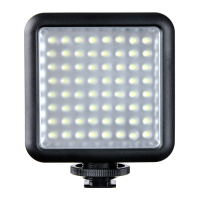
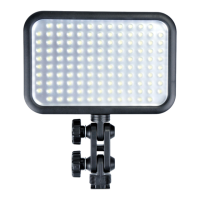
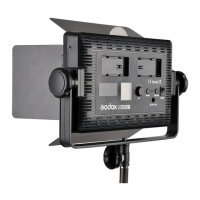
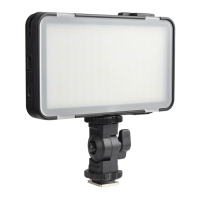
Model
Output Power
DC Adapter Power Supply
V-port Battery(optional)
Color Temperature
Channel(CH)
Group(GR)
ID
FX Mode
Brightness Range
Tone Range
Hue Range
Saturation Range
Beam Angle
Silent Mode
100% Illuminance
(LUX) (darkroom,
1-meter distance)
CRI
TLCI
Control Method
Bluetooth Transmission
Distance
BT Frequency Range
Max. Transmitting Power
2.4G Wireless
Transmission Distance
Working Temperature
Dimension
Net Weight
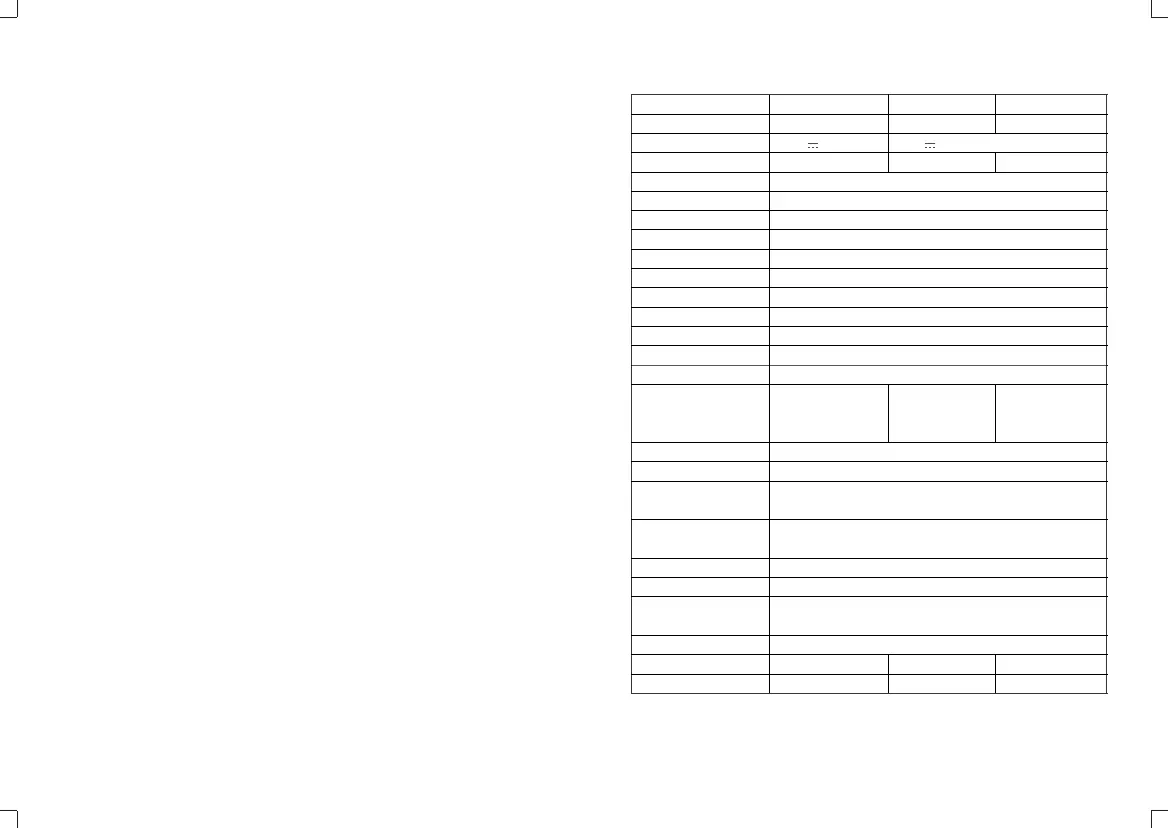
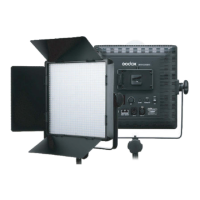
LD75R
75W
16.8V 7.0A
14.8V
2500K~8500K
32: 1~32
16: A,B,C,D,E,F/0~9
99: OFF/01~99
14 Categories (39 kinds)
0%~100%
-50 ~ 0 ~ +50
0-360°
0%-100%
60°
Yes
Max. ≈9320
≥96
97
Smartphone APP/2.4G wireless remote control/
DMX control/operate panel
≈30m
2402.0-2480.0MHz
5dbm
≈50m
-10~40°C
441*410*107.5mm
≈3.5Kg
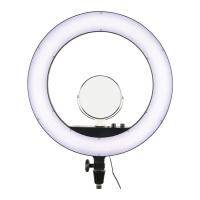
LD150R
150W
24.0V 8.33A
26V
Max.17500
748*430*107.5mm
≈6.3kg
Technical Data
* Product design and specifications are subject to change without notice.
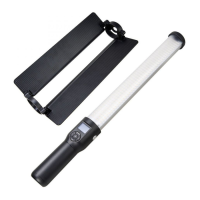
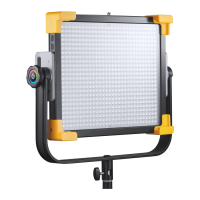
LD150RS
150W
26V
Max.18500
542*513*107.5mm
≈5.1kg
USB Upgrade Port
1. Download the new firmware into U disk from official website
http://www.godox.com.cn/Downloads.html.
2. Turn off the LED light. Insert the U disk with new firmware into the USB
upgrade port.
3. Turn on the LED light, and it will automatically enter the upgrading interface.
4. The LED light will automatically back to the main interface.
Note: 1. The newest firmware must be downloaded from the official website and
stored in the root directory of U disk. And there can only be one BIN document.
2. The USB port can only support firmware upgrade function.
- 37 - - 38 -


 To Next Page