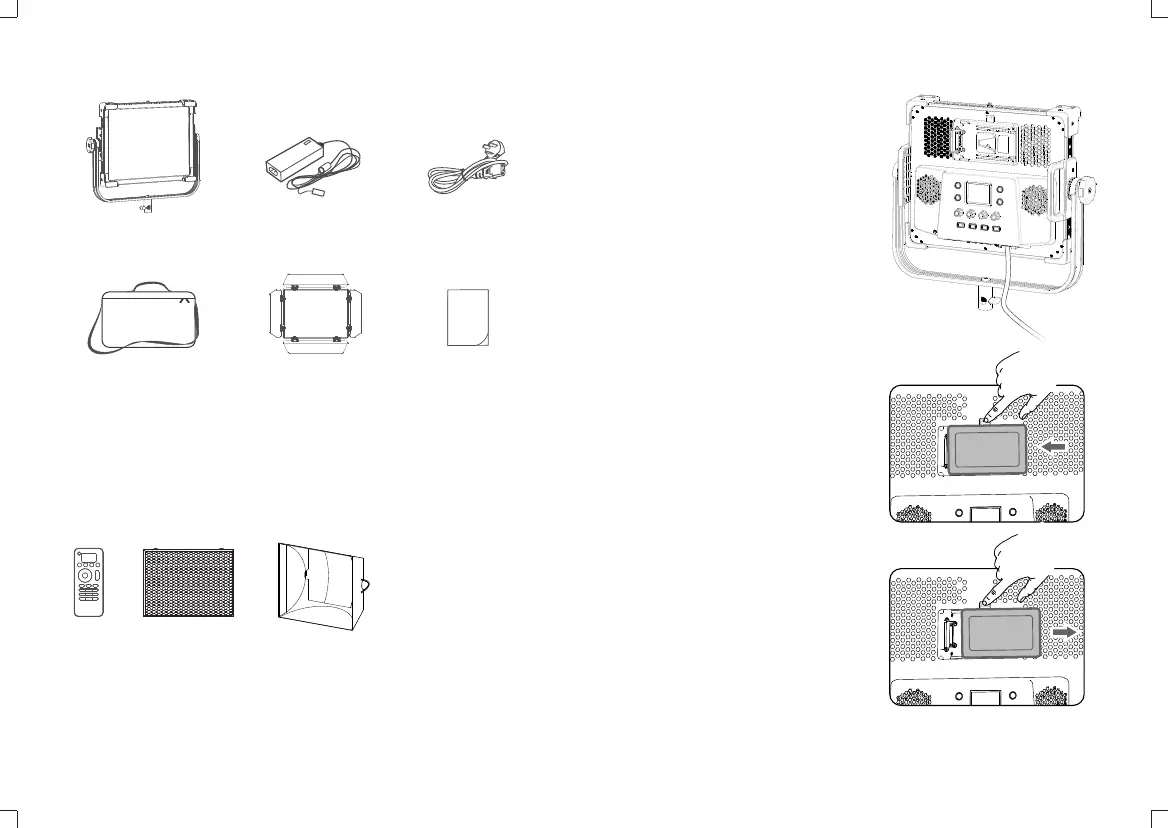
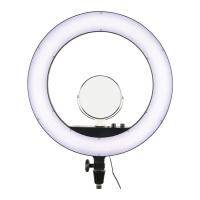
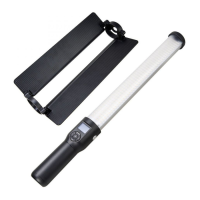
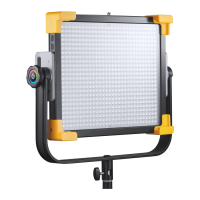
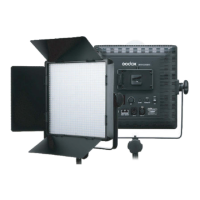
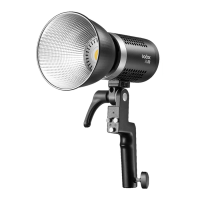
What’s in the Box
Optional Accessory
The product can be used in combination with the following optional
accessories so as to achieve best photography effects:
RC-R9 Remote control, Softbox, Honeycomb Sheet.
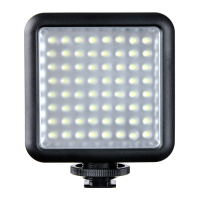
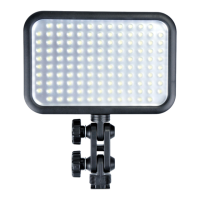
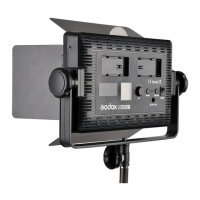
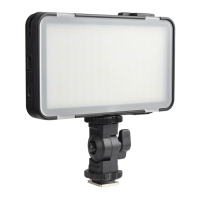
Light Body *1
Barndoor *1
Adapter *1
Instruction Manual *1
Power Cord *1
Carry Bag *1
Power Supply
Insert the output end of the adapter
into the DC power socket and
connect the light to power source
with power cord.
DC Adapter Power Supply
Install V-port battery: Press and hold
the push button of the battery holder,
push the V-port battery to the base of
the left battery contact pin, release the
push button of the battery holder, and
turn on the power switch button to
use it.
V-port Battery Power Supply (Optional)
Note: LD75R apply to 14.8V battery.
LD150R and LD150RS apply to 26V
battery.
There are two charging ways:
Remove V-port Battery:Press and hold
the battery holder and push the V-port
battery to the right to remove it.
- 23 - - 24 -


 To Next Page