3、Setting <RATIO A:B>.
● Press Function Button 2 < > so that <RATIO A:B> is displayed.
4、Setting flash ratio.
● Press Function Button 3 < >.
● Turn the Select Dial to set the amount of flash ratio and press<SET> button to confirm.
5、Taking the picture.
● The slave units will flash according to the flash ratio.
Auto Flash Shooting with Three Slave Unit
1、Setting the slave group <C>.
● Use the same method of step 1 to set the slave unit of flash group<C>.
2、Setting <RATIO A:B C>.
● Use the same method of step 1 and step 3 to set the master unit as <RATIO A:B C>.
3、Setting flash exposure compensation.
● Use the same method of step 1 to set the slave unit of flash group<C>.
● Press Function Button 2 < >. Turn the Select Dial to set the amount of flash exposure
compensation and press<SET> button to confirm.
About Slave Group Control
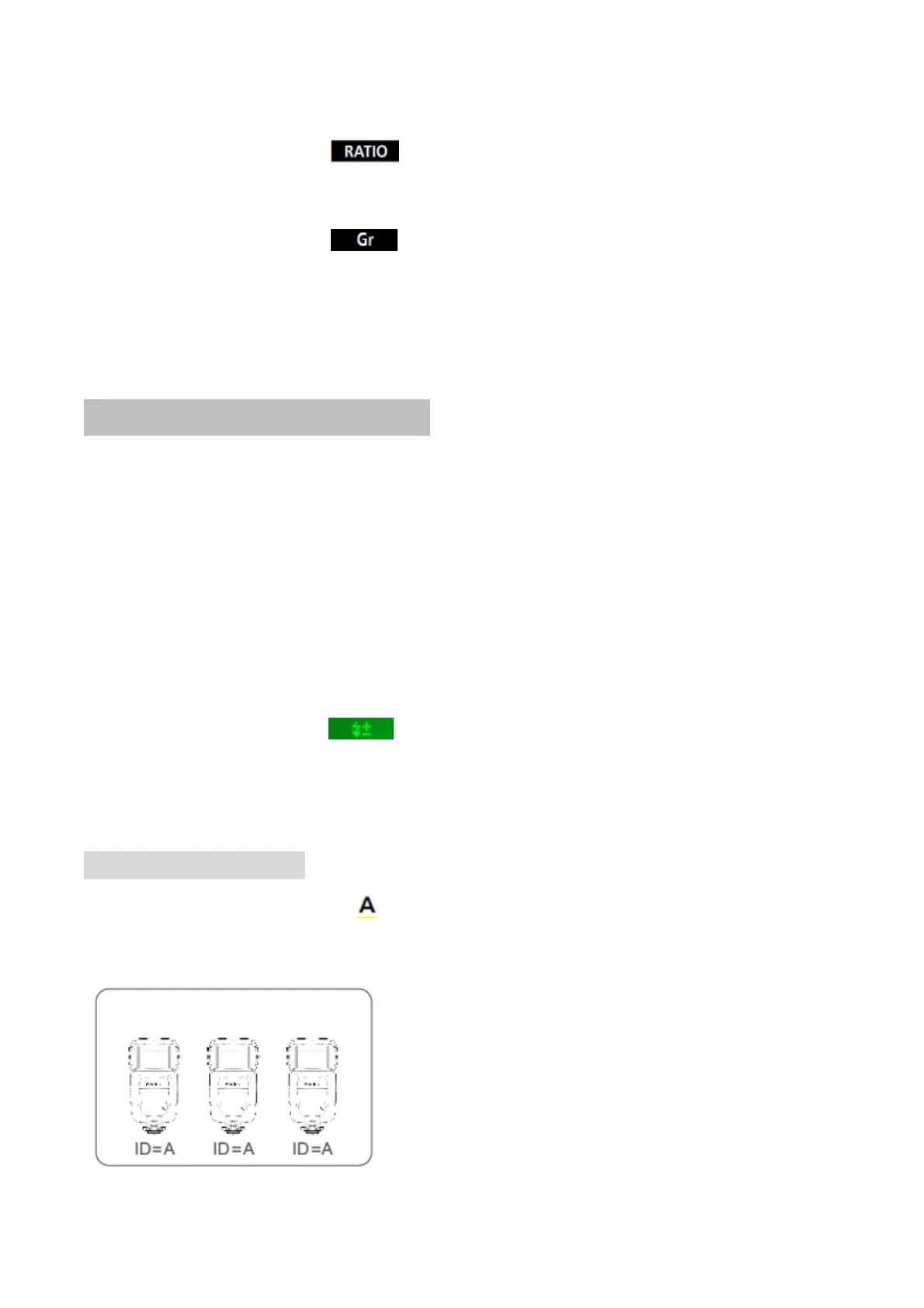
If three slave units are all set to < > in terms of slave ID, these slave units will be controlled
as if they were one camera flash in slave group A.
slave group A



 To Next Page