13
Magnification Function
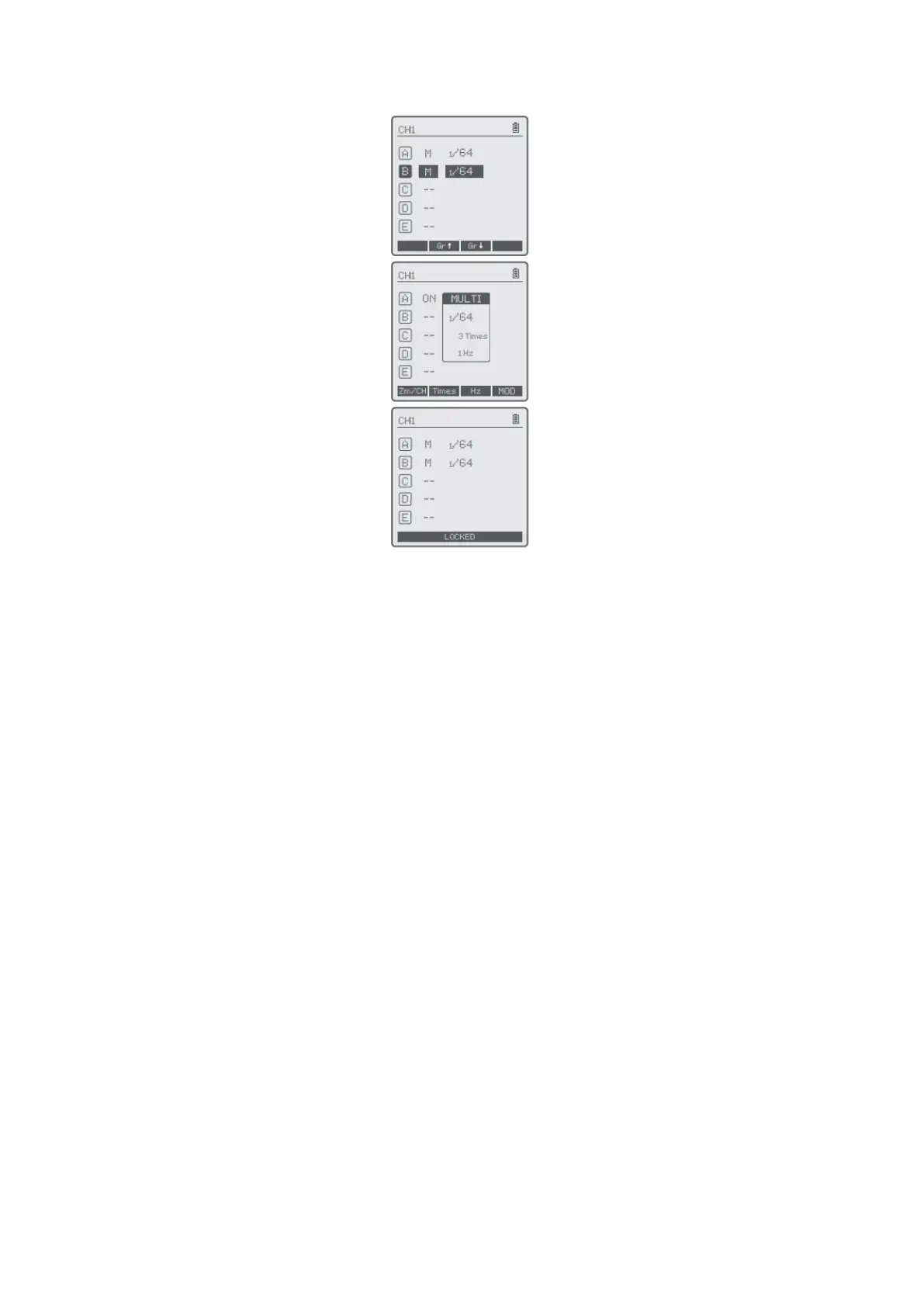
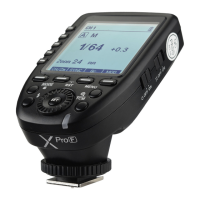
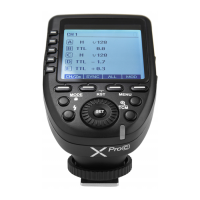
Switch between multi-group and one-group mode: choose a group in multi-group mode
and press the <TCM> button to magnify it to one-group mode. Then, press the <TCM>
button to back to multi-group.
Output Value Settings
Multi-group displays in the M mode
• Press the group button to choose the group, turn the select dial, and the power
output value will change from Min to 1/1 in 0.3 stop increments. Press the <SET>
button to confirm the setting.
• Press <ALL> button to choose all group’s power output value, turn the select dial,
and all groups power output value will change from Min to 1/1 in 0.3 or 0.1 stop
increments. Press <ALL> button again to confirm the setting.
One-group displays in the M mode
• Turn the select dial and the group’s power output value will change from
Min to 1/1 in 0.3 or 0.1 stop increments.
Note: Min. refers to the minimum value that can be set in M or Multi mode. The
minimum value can be set to 1/128, 1/128 (0.1), 1/256 or 1/256(0.1) according to C.Fn-
STEP. For most of camera flashes, the minimum output value is 1/128 or 1/128 (0.1) and
cannot be set to 1/256 or 1/256(0.1). However, the value can change to 1/256 or
1/256(0.1) when using in combination with Godox strong power flashes e.g., AD600Pro,
etc.


 To Next Page