11
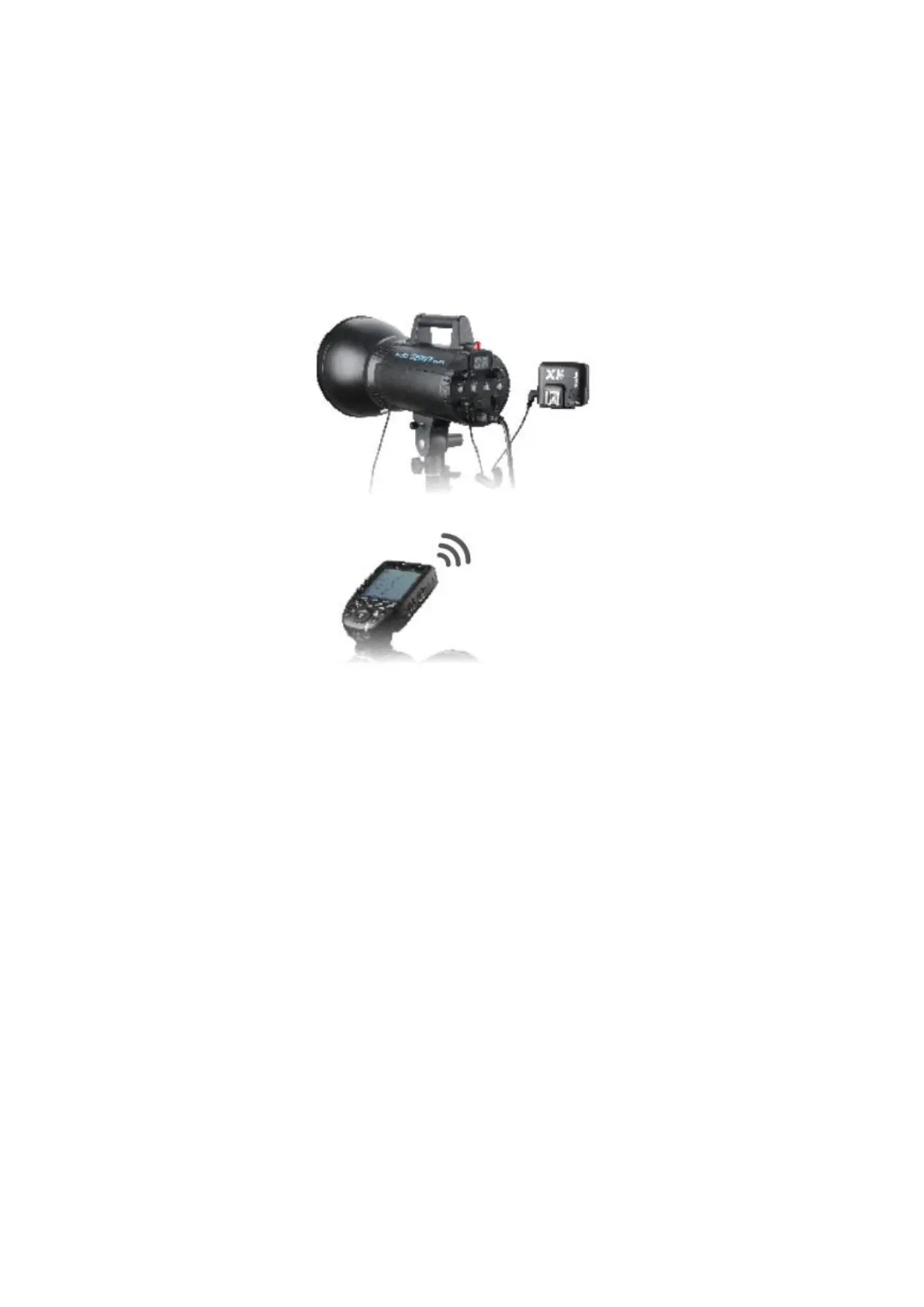
As a Flash Trigger with 2.5mm Sync Cord Jack
Operation method:
• The connection method please refers to the contents of “As a Wireless Studio
Flash Trigger” and “As a Wireless Shutter Release”.
• Press the shutter normally and the flashes will be controlled by sync cord jack’s
signal.
Setting the Flash Trigger
Power Switch
Slide the Power Switch to ON, and the device is on and status indicator lamp will not
reveal.
Note: In order to avoid power consumption, turn off the transmitter when not in use.
Automatically Enter Power Saving Mode
• The system will automatically enter standby mode after stop operating the
transmitter over 90 seconds. And the displays on the LCD panel disappear now.
• Press any button to wake up. If the flash trigger is attached to the host shoe of
CANON EOS camera, half press the camera shutter can also wake the system up.
Note: If do not want to enter power saving mode, press the <MENU> button to enter
C.Fn custom settings and set STBY to OFF.


 To Next Page