GETTING STARTED
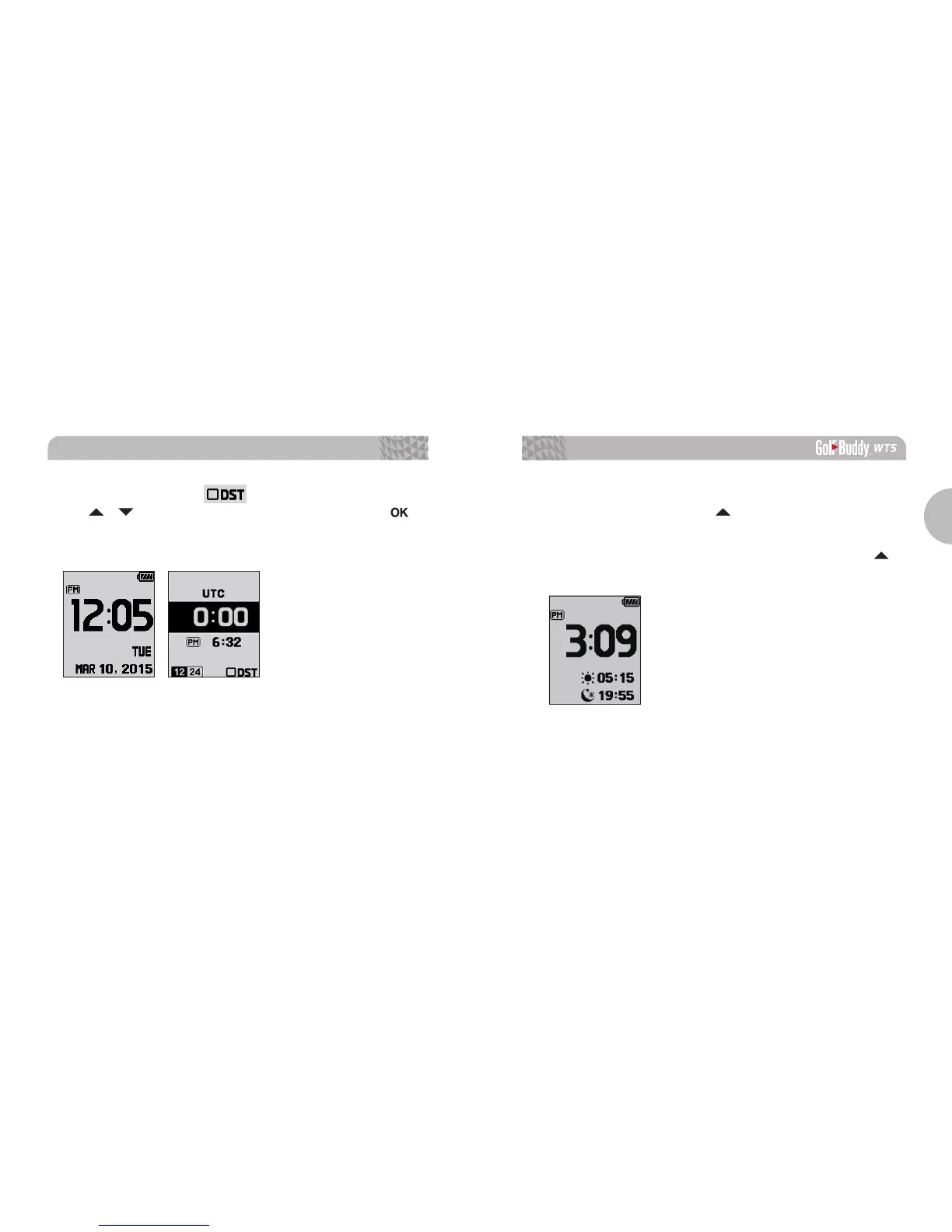
* DST: When the blinking icon appears, navigate with
the / buttons to turn on/off DST mode. Press the
button once to apply the changes and return to Watch Mode.
■
Sunrise/Sunset Time
From Watch Mode, press the button to view the Sunrise/
Sunset Time (only applicable when the WT5 is connected to
the satellite). To access the stop watch feature, press the
button.



 To Next Page