ADVANCED OPERATIONS
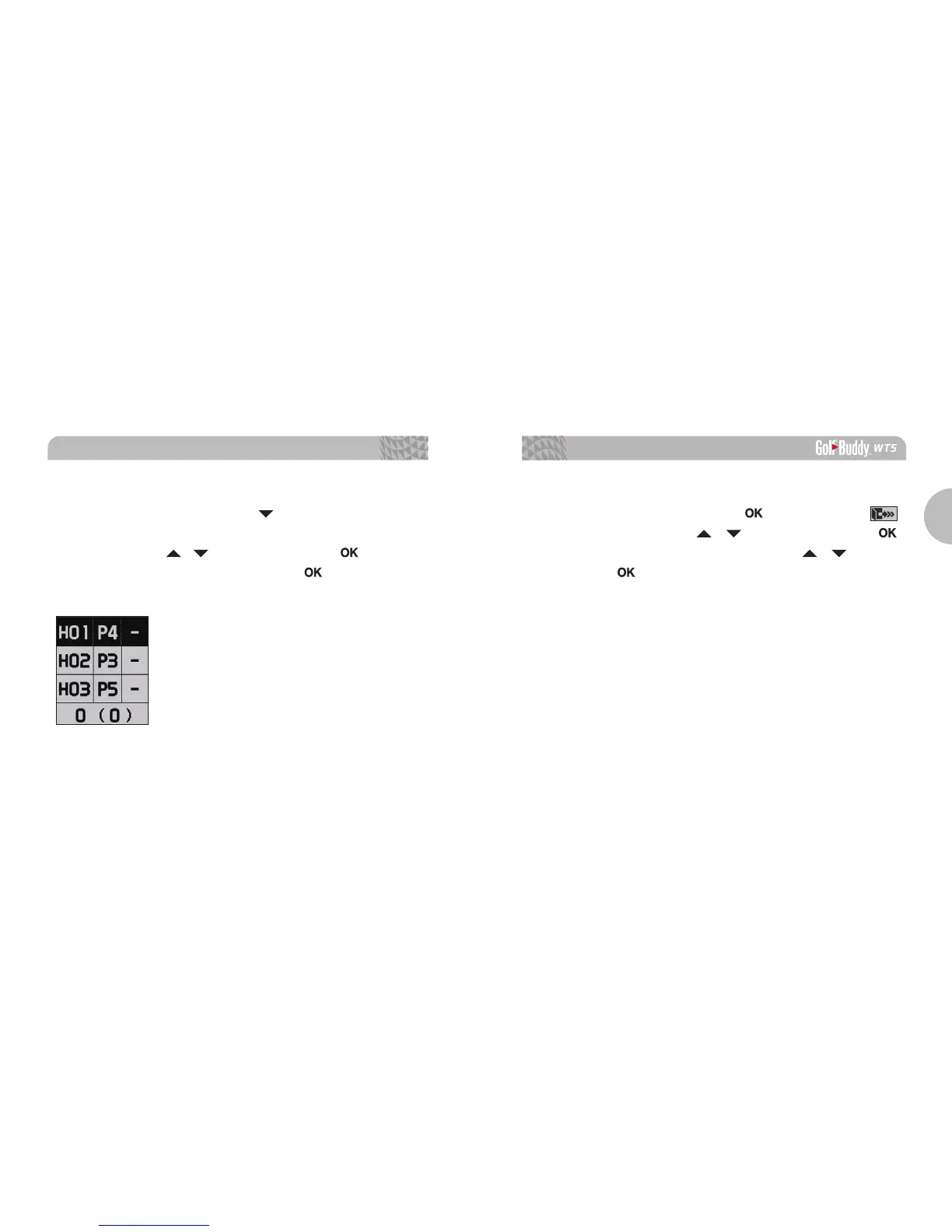
3.3. Recording Scores
From Play Mode, press and hold the button to start accessing
the Score Tracking Module. You can navigate and record your
scores by using the / buttons then press the button to
complete the recording. Press and hold the button anytime
to go back to Play Mode.
3.4. End Round
From Play Mode, press and hold the button. Select the
icon by navigating with the / buttons, then press the
button. Select Yes or No by navigating with the / buttons,
then press the button.
Note: You must “End Round” to properly save your scores and transfer
the scores to your account using the GB Course Manager program.



 To Next Page