GETTING STARTED
■
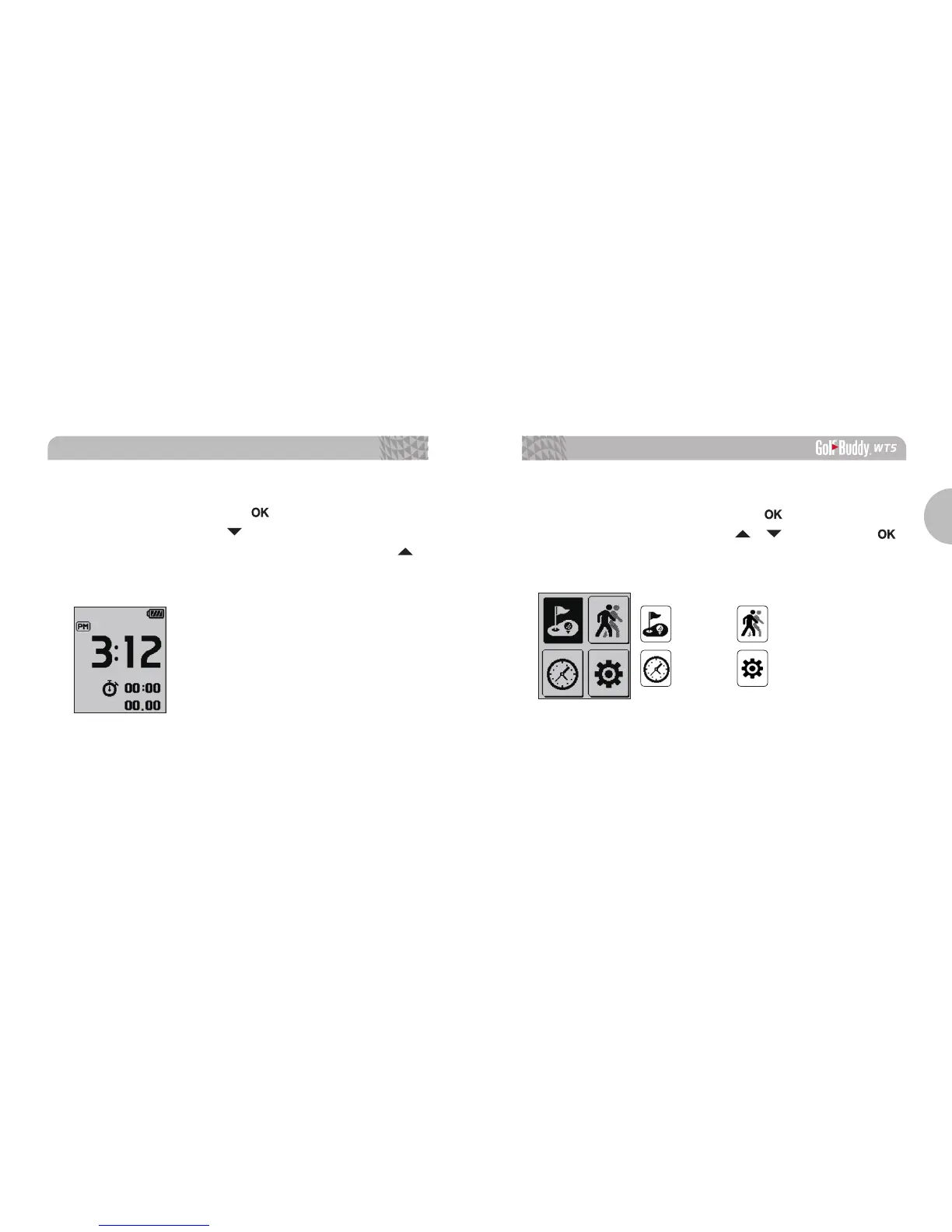
Stop Watch
In stop watch mode. Press the button to start/ stop the
Stop Watch, and press the button to reset the record. To
exit this function and to return to Watch Mode, press the
button.
1.4. Main Menu
From Watch Mode, press and hold the button to view the
Main Menu.
Navigate with the / buttons, press
button to select the menu.
PLAY GOLF GPS TRACKING
TIME SETTING



 To Next Page