BASIC OPERATIONS
■
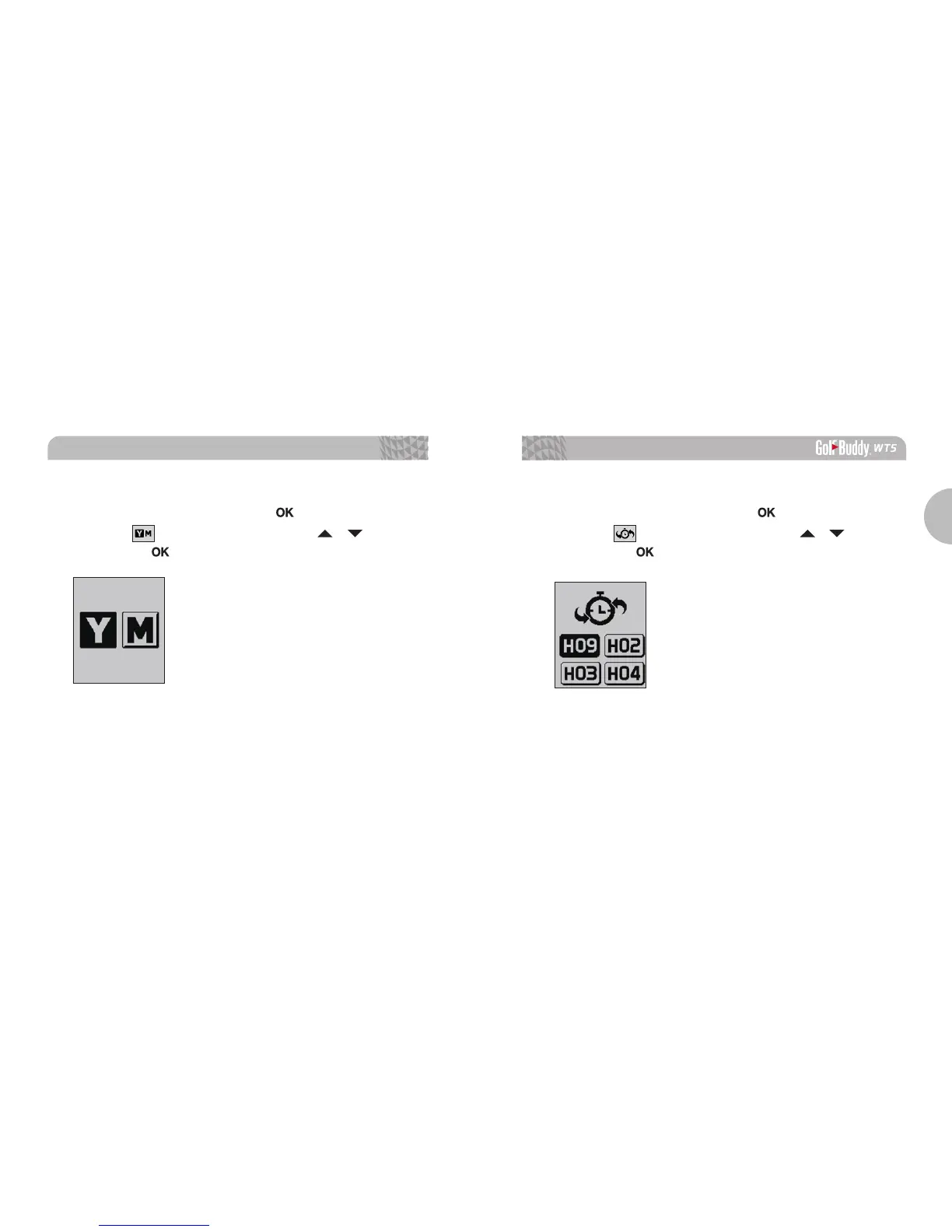
Switching between Yard / Meter
From Play Mode, press and hold the
button for the menu.
Select the icon by navigating with the
/
buttons,
then press the
button to confirm the selection.
■
Previously Recognized Hole Selection
From Play Mode, press and hold the
button for the menu.
Select the icon by navigating with the
/
buttons,
then press the
button to confirm the selection.



 To Next Page