GETTING STARTED
1.1. Power On/Off
Press and hold
the button to turn on/off the device.
1.2. Charging
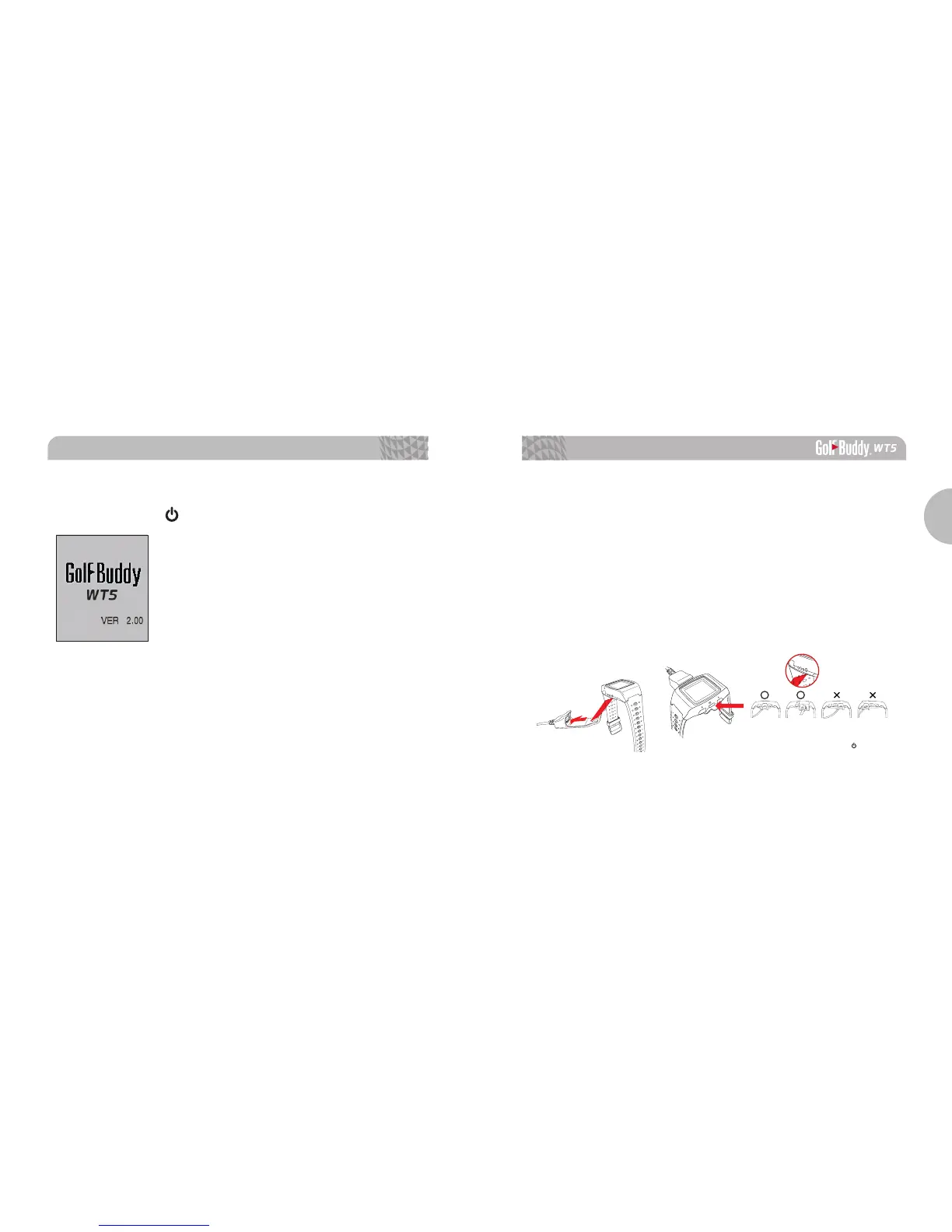
You can charge the device by inserting the device into the
charging dock as depicted in the picture below. Align the WT5
body to the pins on the charger and connect by having the left
side slide in first. Then align the right side of the charger with
the OK button on the right side of your WT5 unit. The battery
indicator will displaywhile charging and will displaywhen fully
charged. To release, slide the GB icon on the left side of the
charger over to the left.
OK
Please make sure that the charging cradle does
not interfere or overlap with the button, as
demonstrated in photo above.



 To Next Page