BASIC OPERATIONS
■
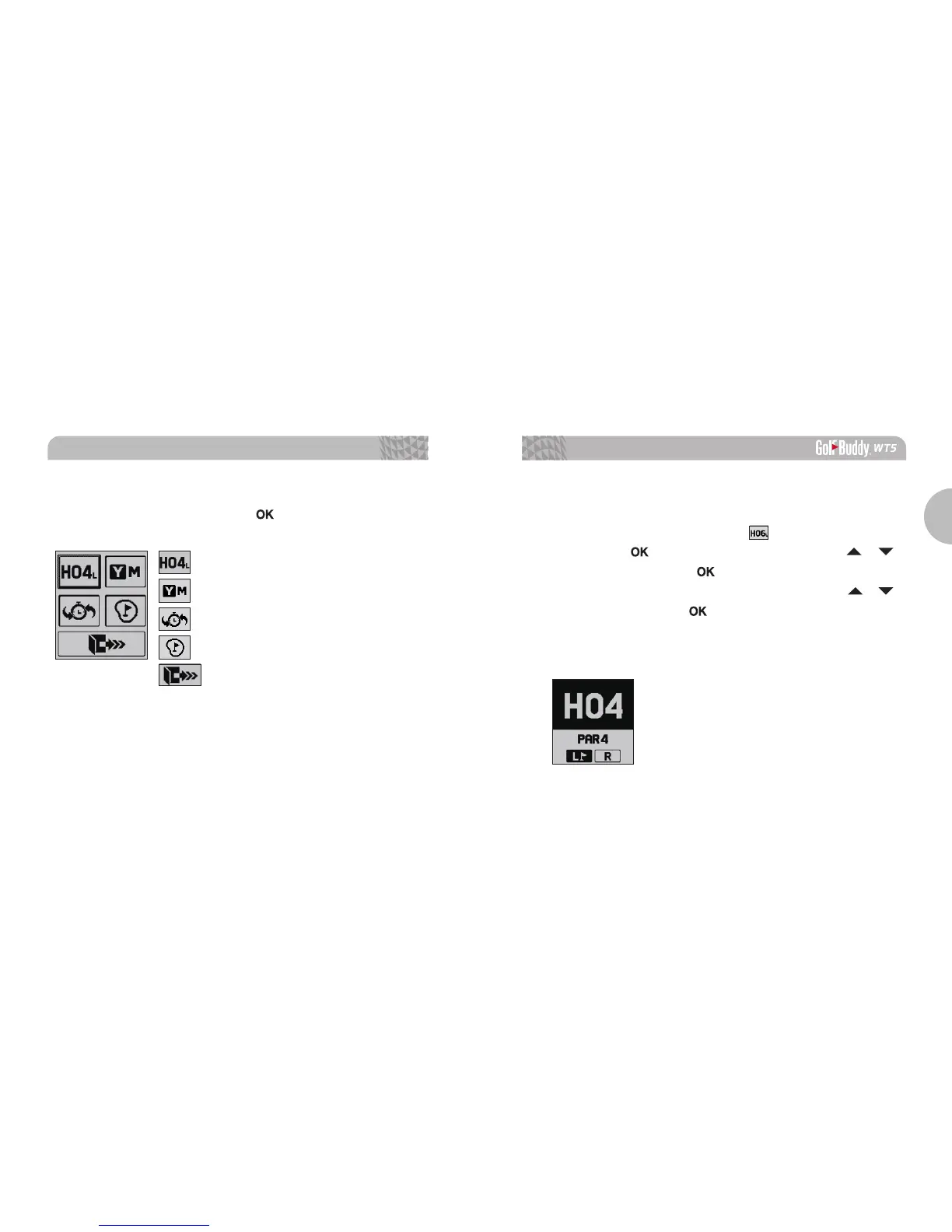
Hole Selection / Left & Right Green Selection
From Play Mode, to change holes or to change the Left &
Right Green Selection, select the icon by pressing and
holding the
button. Navigate by using the
/
buttons, then press the
button to select desired hole.
Select left or right green* by navigating with the
/
buttons then press the
button to confirm the selection.
(*Note: The Left & Right Green selection is only available if there is
a left & right green on the course).
2.3. Setting
From Play Mode, press and hold the button for the menu.
Hole Selection/ Left & Right Green Selection
Pin Placement
Exit
Yard / Meter
Previous Hole Selection



 To Next Page