ADVANCED OPERATIONS
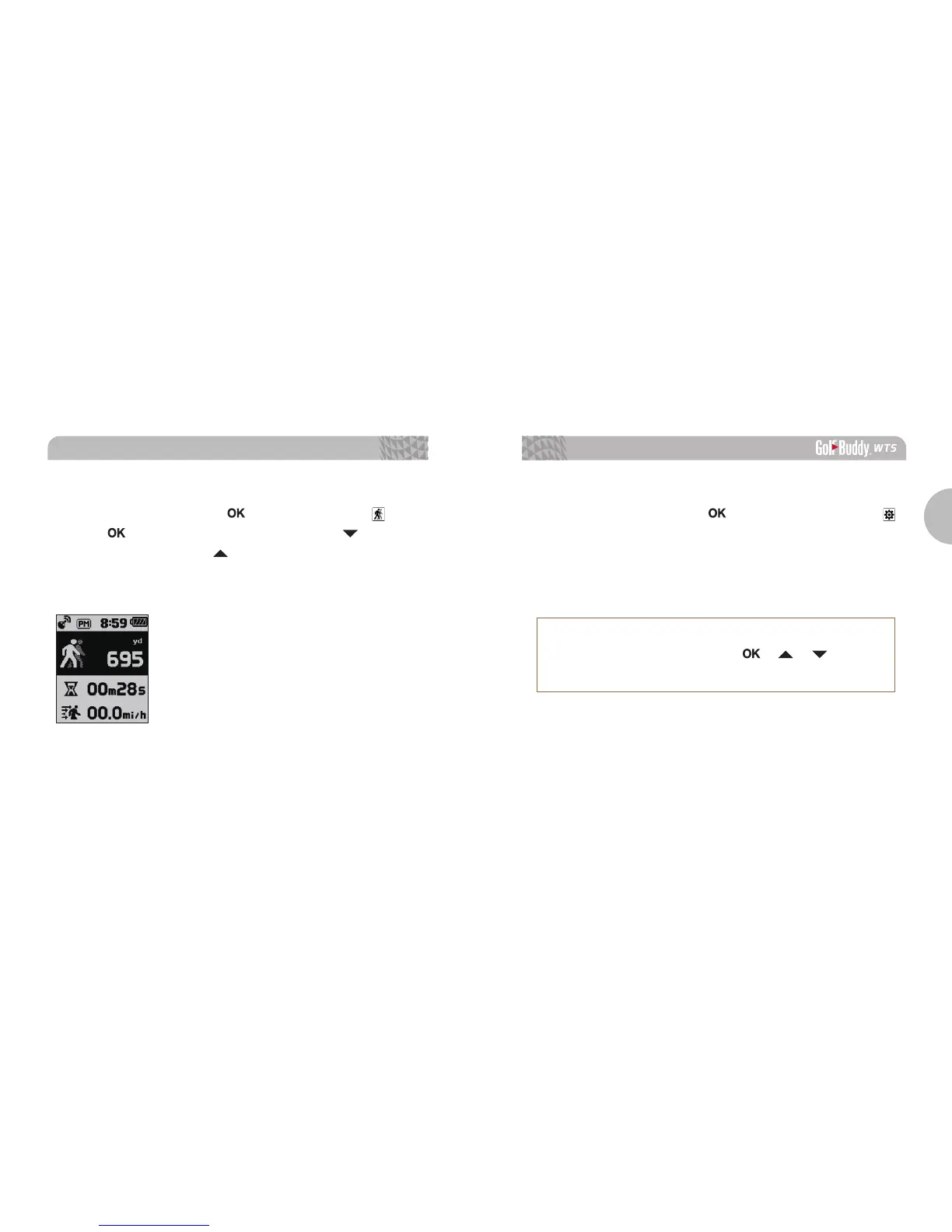
3.5. GPS Tracking
While in Watch Mode, press the button then select the
icon.
Press the button to start recording and press the button to
delete the record. Press the button to switch between Yard /
Meter. GPS tracking is activated automatically when the WT5 is in
Play Mode.
3.6. Systems Information
While in Watch Mode, press the button twice then select the
icon. You can navigate using the buttons and press the OK button
to exit.
※
How to Reset the WT5
To reset the device, press the
/ /
buttons
simultaneously to restart the device.



 To Next Page