10
Continued from previous page.
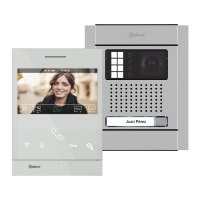
ART 4/G2+MONITOR
SETTINGS MENU
To set a period of time in which the monitor will not sound when receiving calls, go to the option
with icon by pressing the buttons below corresponding icons / and select the option
to be modified by pressing the button below icon . Then select the field to be modified by
pressing corresponding buttons / , modify the desired period of time by pressing the
buttons below corresponding icons / and validate the changes made by pressing the
button below icon . Press the button below icon to return to the settings menu 2nd
screen.
To set a period of time for automatic door opening (after 3 seconds of receiving a call from the
door panel), go to the option with icon by pressing the buttons below corresponding
icons / and select the option by pressing the button below icon . Then you can set a
period of time for opening the door, select the field to be modified by pressing corresponding
buttons / , modify the desired period of time by pressing the buttons below corresponding
icons / and validate the changes made by pressing the button below icon . Press the
button below icon to return to the settings menu .2nd screen (This function is disabled by
default. To enable it, see pp. - ).25 26
1
Option selection screen Time period setting screen
21 0700 00
07 00 07 00
21 0700 00
07 00 07 00
To enable/disable the intercom function between apartments, go to the option with icon by pressing
the buttons below corresponding icons / . Then press the button below icon to enable /
disable this function. Press the button below icon to return to the main menu. (This function
is disabled by default).


 To Next Page
 Loading...