3
SYSTEM OPERATION
-
To make a call, the visitor must press the button of the apartment; an audible sound indicates that the call is being made
and LED will turn on. If vocal synthesis is enabled, a 'Call is in progress' message appears indicating that a call is being
made. At this moment, the apartment's monitors receive the call. If another apartment is called by mistake, press the button
for the correct apartment and the first call will be cancelled.
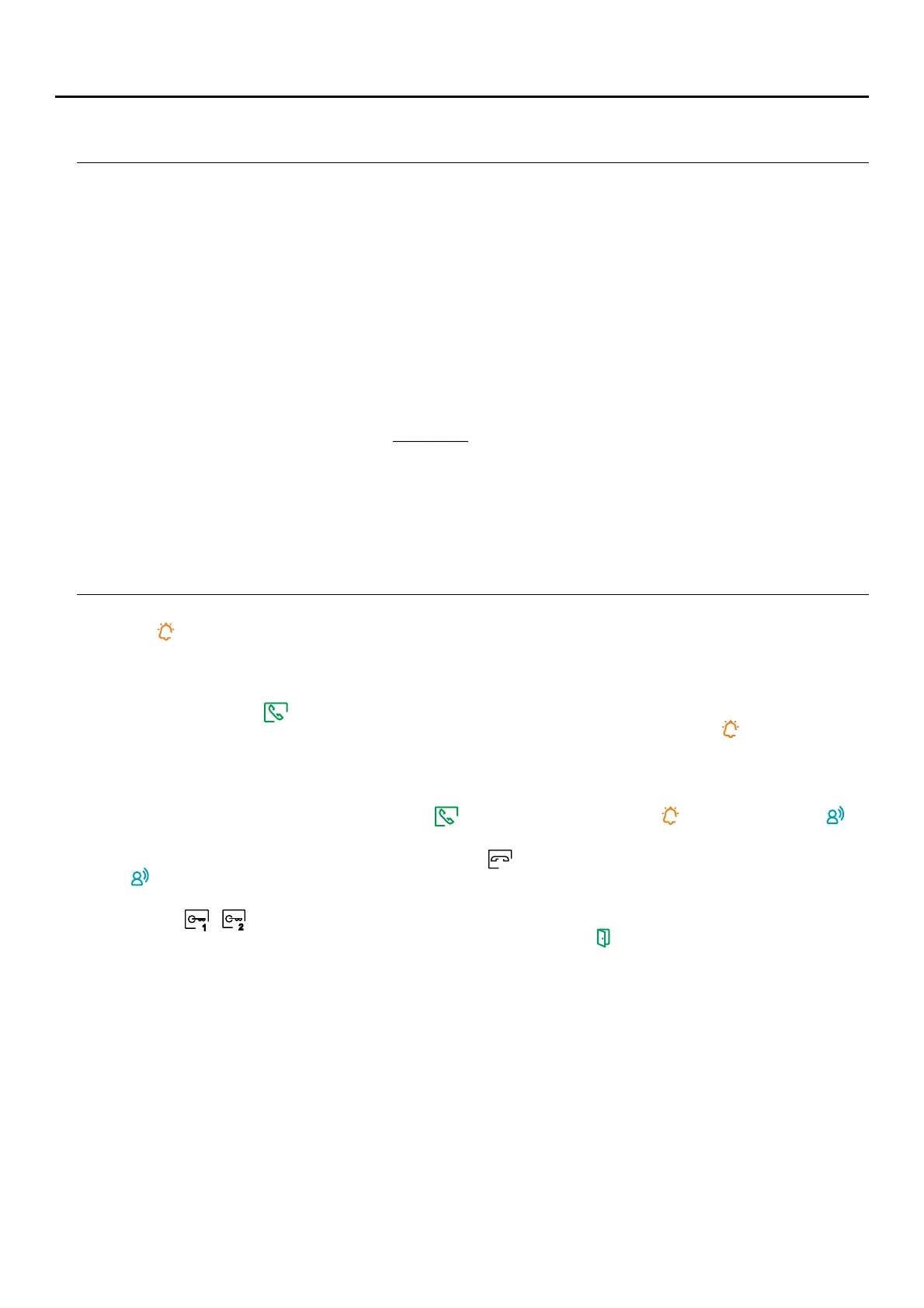
- Upon receiving the call, the image will appear on the screen of the master monitor (and slave 1, if it exists) without the
visitor knowing and icon displayed on the screen will blink green. To view the image from slave monitors 2 or 3,
press the screen for the image to appear. If the call is not answered within 45 seconds, LED will turn off and the
system will become free.
- If call transfer to your mobile phone has been programmed, you can cancel the transfer at any time from the monitor,
with it being necessary to communicate with the door panel from the main menu.
- To establish communication, press off-the-hook icon on the screen. Door panel LED willwill turn off and the led
turn on.
- on the screenConnection will last for 90 seconds or until on-the-hook icon is pressed . When communication ends,
LED will turn off and the system will become free. If vocal synthesis is enabled, a 'Communication is finished'
message will indicate that the call is over.
- ,To open door ó of the door panel on the screenpress the corresponding icon during the call or communication
processes: one press will activate the lock release for seconds and LED will also turn on for seconds. If vocal3 3
synthesis is enabled, a 'Door open' message will be indicated on the door panel.is
- 6 19Detailed operation of the monitor is described on pp. - .
CHARACTERISTICS
-
Hands-free monitor.
- 7" TFT colour screen
- Touch screen for access and selection of menu function.
- Wifi smartphone.transmission monitor to call transfer to mobile Only the master monitor can activate Wi-Fi
transmission. (FA-ART 7W ).power supply unit required for apartment
- Monitor with simple installation (non-polarised 2 wires bus).
- User menu.
- Installer menu.
- .Image and communication settings menu
- Output to auxiliary call repeater (maximum 50mA/12Vdc).
- "HZ" input for calls from apartment front door. Up to monitors/ apartments with push button "HZ" activatedImportant: 6
at the same time (with system and monitors in standby).
- Door release 1 and 2 activation icons screen.
- Notification leds.
- Configuration switches (1 to 128) andto monitor callassign the address end of line.
1
2
ART MONITOR7W/G2+



 To Next Page