1.Battery grid
2.LED indicator (red indicates "being charging"; green indicates "charging
completed")
3.Power interface(AC 110-220v 50Hz)
4.Power switch(power)
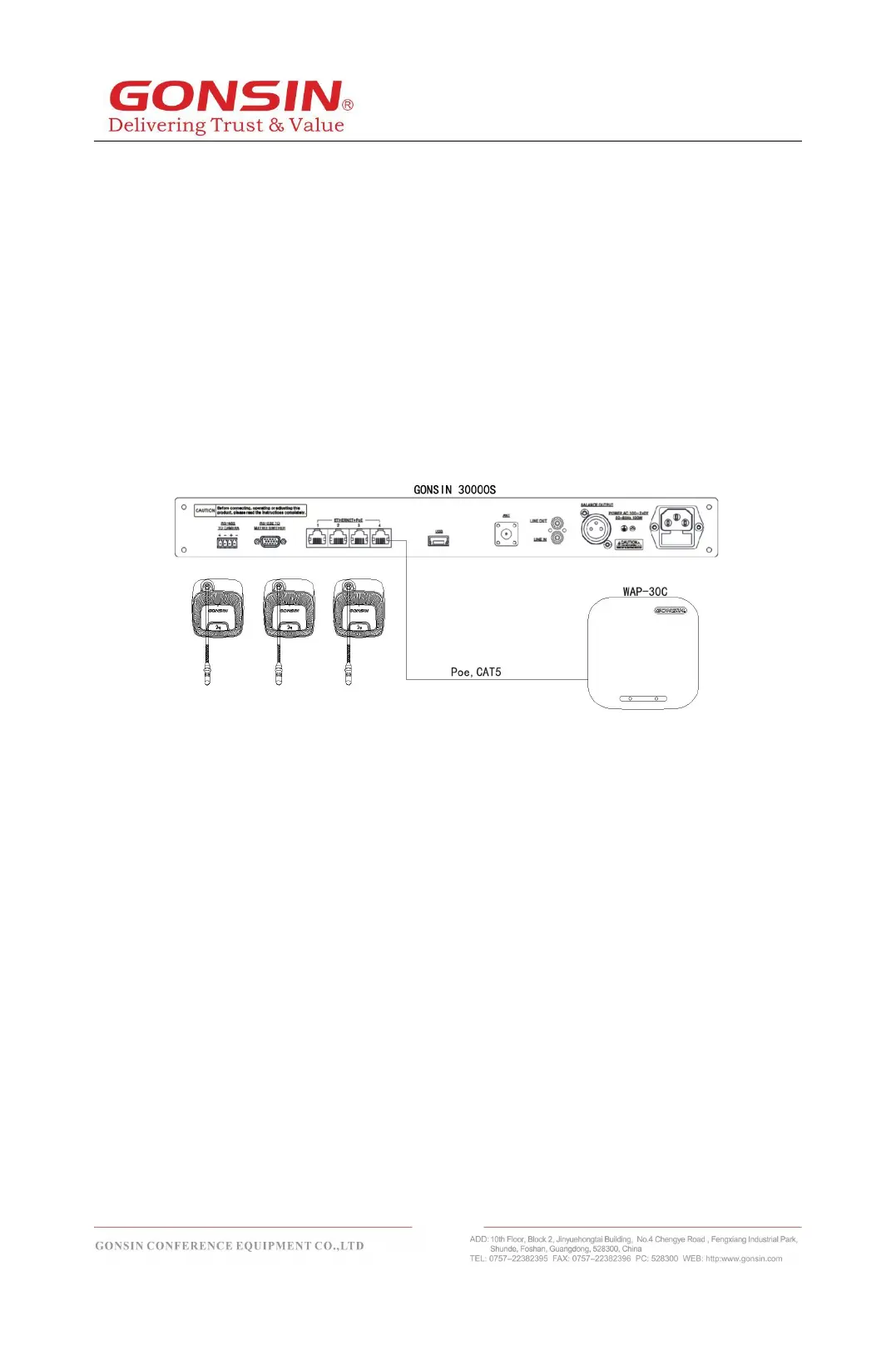
3 . 4 Connection of Congress Terminal
To connect the congress server with wireless terminals, use an 8PS-03/05/10/20/40
extension cable to connect the 8P interface (female connector) of the server to a WAP-
30C AP.
Refer to the following figure:



 To Next Page