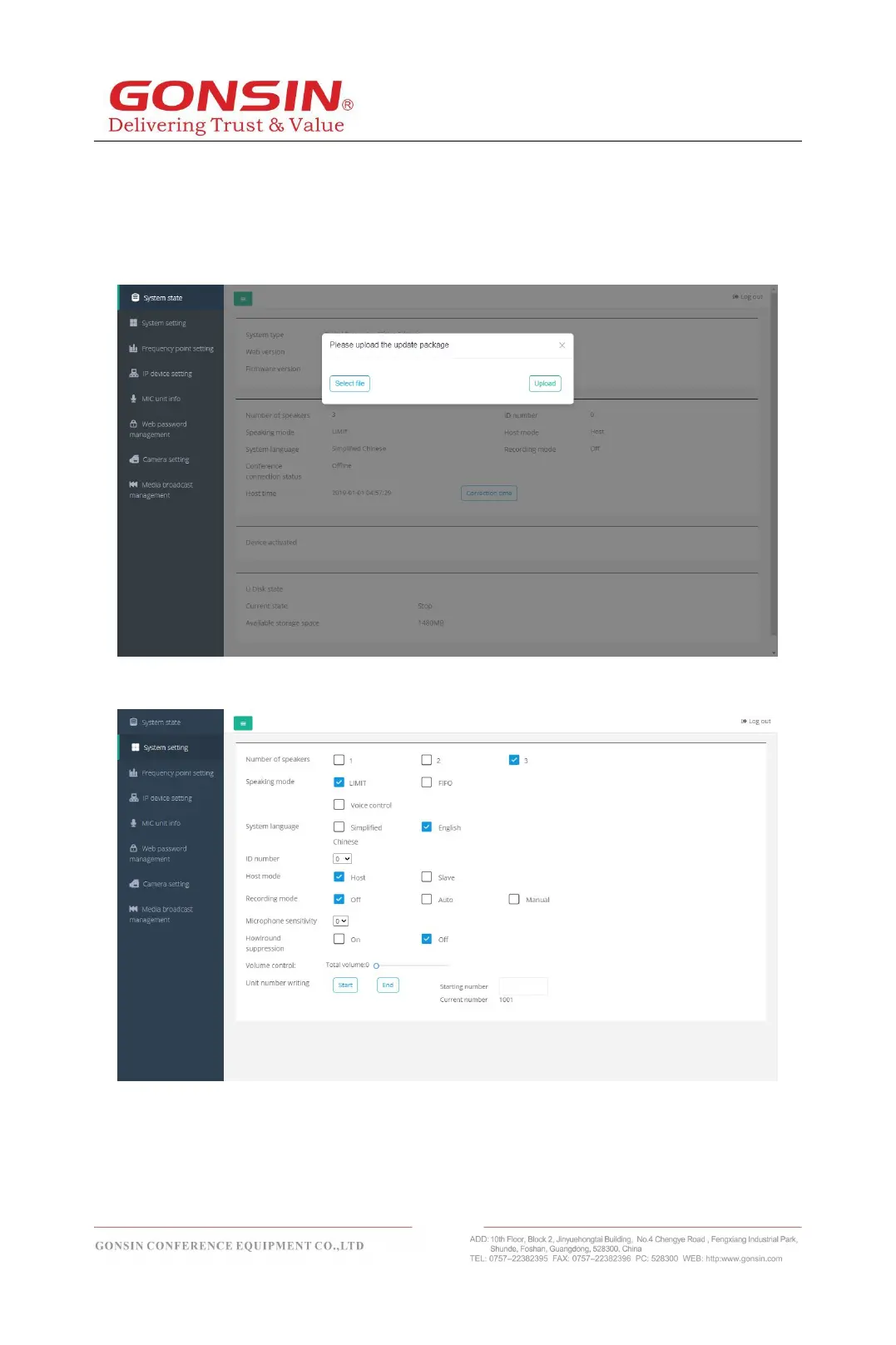
In the page of system state, can clearly see the current access all information
including the type of system, version of the web, the number of speech, speech,
voice, recording system state, and so on, also can see the current usage of U
disk, in" the system state "page, also can give the host upgrade, can choose"
online update "or" local update. "
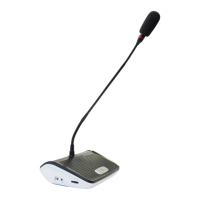
5.2.2 System Setting
In the "System Setting" page, through the form of Web pages to modify the host
of various setting including the number of speakers, speech mode, recording
mode, microphone sensitivity, volume control, unit write number and so on,
greatly convenient for the operator to manage the venue.



 To Next Page