17. Use specific cables to connect
equipment.
18. Turn off the power switch and remove
the plug in case that the equipment is
not used for a long time.
19. Keep the Warranty Card in appendix
safe.The card serves as a basis for
future maintenance free of charge.
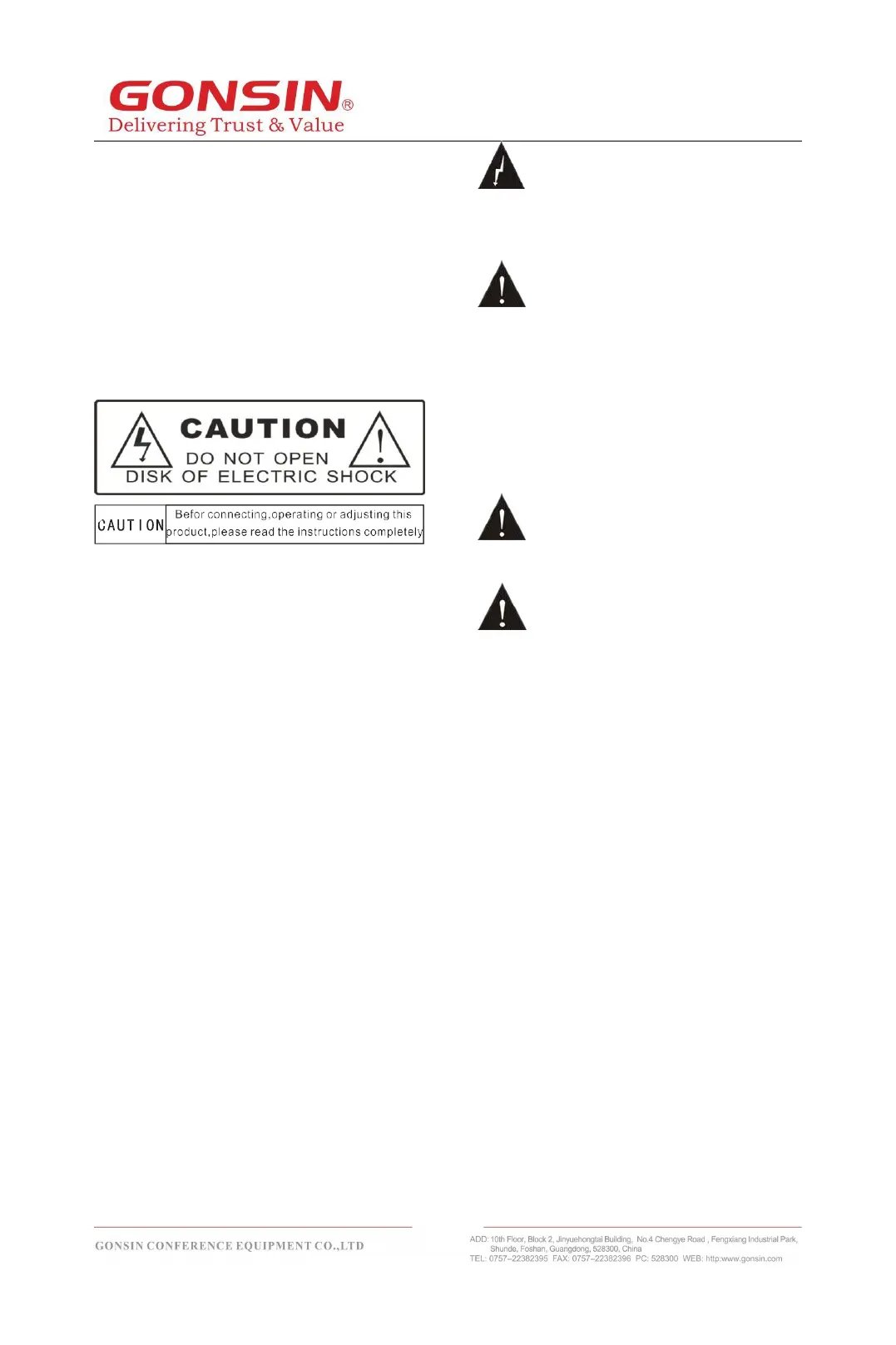
Caution: do not open the cover; otherwise,
a risk of electric shock.
Before connecting, operating or adjusting
this product, read this document carefully.
This label is attached to the back of the
equipment to save area.
The lightning sign reminds users that
hazardous voltage that is not insulated is
likely to trigger.
The exclamation mark in the triangle
reminds users to operate and maintain the
equipment on the accompanied operation
maintenance instructions.
Caution: do not expose the equipment to
rain or humid places to avoid fire and
electric shock.
Note: only qualified electrical
engineers are allowed to install equipment.
Remove the power plug: the
equipment is powered on when power
cable is inserted into the power socket
irrespective of a power switch or not;
however, the equipment cannot be
operated until the ON/OFF button is
switched to “On”. The power cable is the
main power source for cutting off all units.



 To Next Page