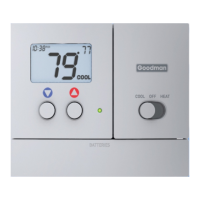
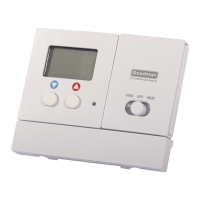
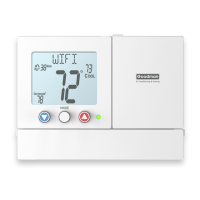
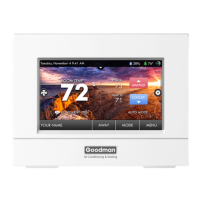
Page 2
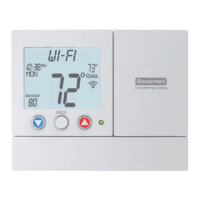
Mode Indicators
Selects the operational mode of the equipment.
HEAT - Indicates the heating mode.
COOL - Indicates the air conditioning mode.
HEAT & COOL - Indicates the system will automatically change-
over between heat and cool modes as the temperature varies.
OFF - Indicates heating and cooling is turned off.
Clock with Day of the Week
Indicates the current time and day. This clock is also used to
program the time period schedules.
Room Temperature Display
Indicates the current room temperature and displays the outdoor
temperature when selected.
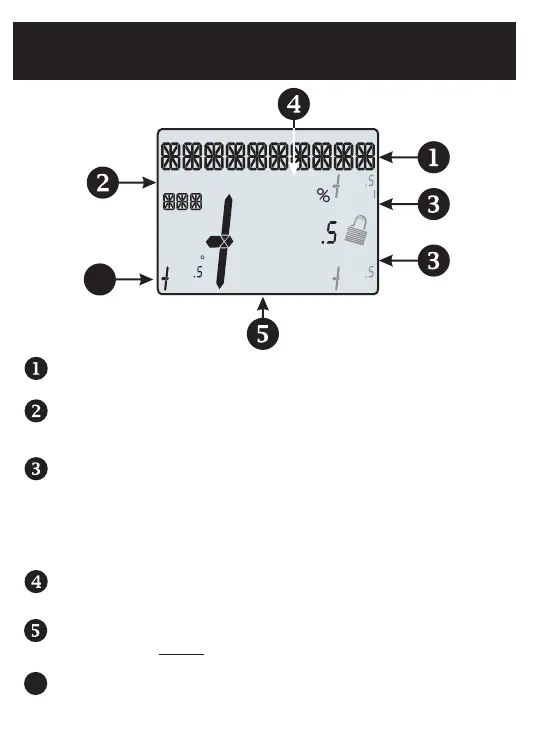
The scrolling display will be used to help you easily navigate the setup
screens in the thermostat.
Get to Know Your Thermostat
Outdoor icon
Indicates the temperature displayed is from the optional outdoor
sensor.
6
Program icon
Indicates that Time Period Programming is running or is enabled
to be set.
Program On
Outdoor
Fan On
AUXHEAT
Setup Step
2nd
Stage
Am
Pm
18:88
COOL
88
88
Lo
88
H
88
6
Display Features


 To Next Page