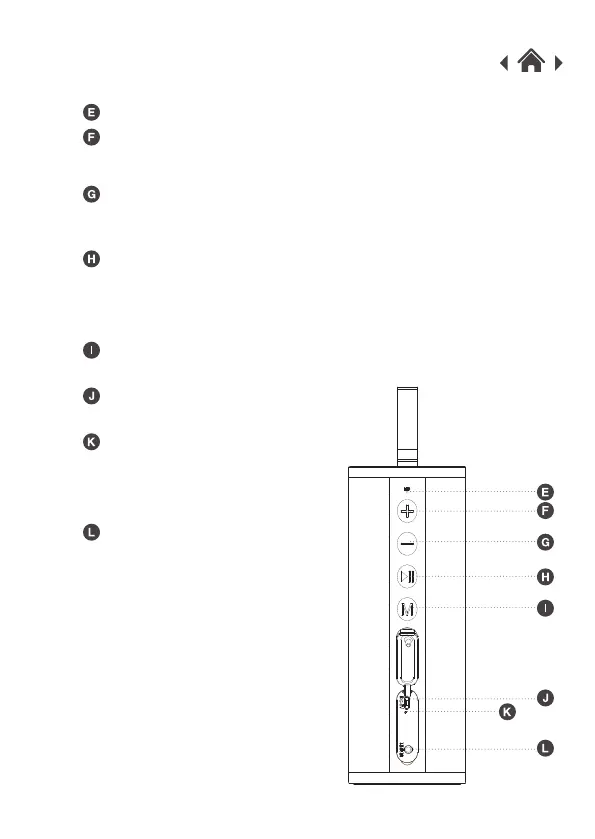
MIC
2.3 Side View
Increase volume / Next track
Decrease volume/ Previous track
Press the button to switch to the previous track.
Hold the button to decrease the volume.
Press the button to switch to the next track.
Hold the button to increase the volume.
Play / Pause / Answer calls / End calls /
Refused calls / Redial last calls
When receiving a call, long press the button to refuse a call.
A short press will play / pause / answer / end a call.
Press the button twice to redial the last call.
Mode
Charging indicator light
Line-In port
Micro USB charging socket
Used to charge the battery.
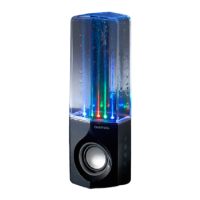
Used to connect the cylinder speaker
to devices without Bluetooth.
Press the button to select Bluetooth / Line-in function.
When connecting the charging cable
the RED LED light will show.
When fully charged the LED light will
turn Off.



 To Next Page