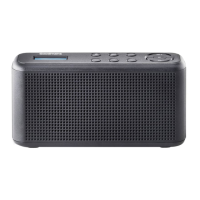
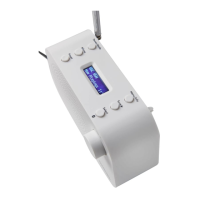
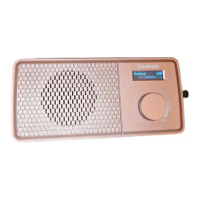
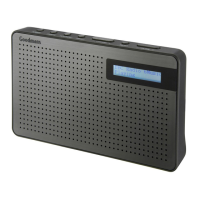
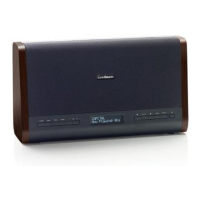
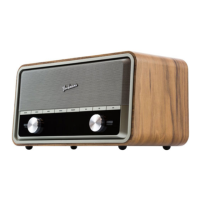
When you press the Power button to turn on the DAB Digital / FM
Radio with Bluetooth again after a switch off. It will automatically tune
into the same station (DAB / FM / BT) that was last selected.
Operation4
DAB Operation
1. Extend the telescopic antenna for the best reception possible.
2. Press the Power button to power up the DAB Digital / FM Radio with
Bluetooth, and select DAB mode.
3. Press the Scan button will automatically commence. The unit will
search for all available DAB stations.
Full Scan4.1
1. You can store up to 10 DAB+ stations to the memory presets for
quick and easy recall of your favorite stations.
2. To store a preset, you must first be listening to the station that you
would like to save. Press and hold the PRESET button. The display
will show “Preset Store<#:(Empty)>”. If a station is already stored.
The display will show ”<#: Station name>”.
1. Press the PRESET button and press the Previous / Next button to
select your desired preset station’s number.
2. Press the OK button to recall a preset station number.
3. Press the Previous / Next buttons to select the preset station
number 1-10.
4. To save to the selected preset station number, press the OK button.
The display will then show” Preset# stored”.
Storing Stations4.2
Once you have saved a station to one of the preset buttons, you can:
Recalling Stored Stations4.3
Press the INFO/MENU button repeatedly to show the different
program information.
Signal Strength: Displays a signal bar with the strength of the
current station.
Bit Error Rate(BER): Provides details of the signal error rate.
Channel and Frequency: Displays the station’s transmission channel
number and frequency.
PTY (Program Type): Shows the type and description of the program
provided by the DAB station.
Stations Information on DAB Mode4.4



 To Next Page