EasyManua.ls Logo

Goodmans 373692 - Troubleshooting; Technical Specifications

Goodmans 373692
7 pages
Print Icon
To Next Page IconTo Next Page
To Previous Page IconTo Previous Page
Loading...
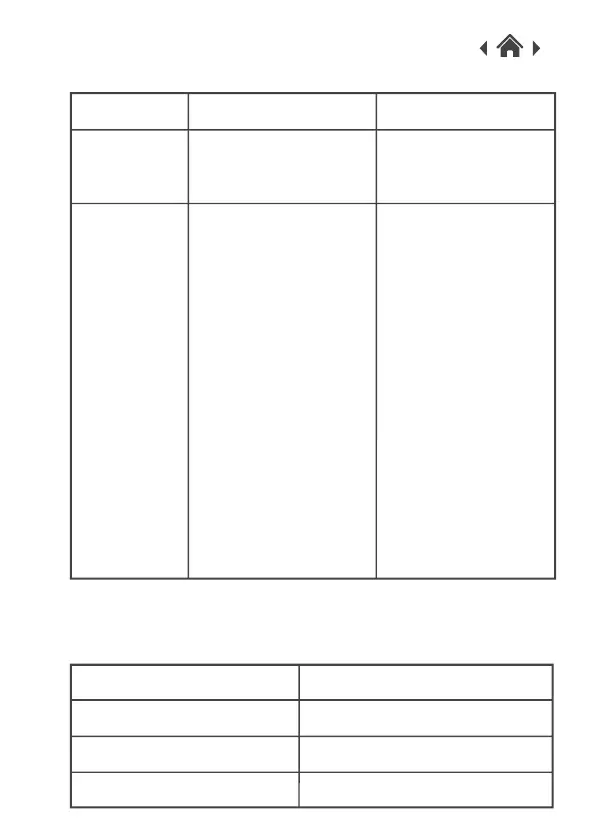
Possible Cause
Sound level is too highSound
distorted
4
No sound
Your Speaker or input
device is turned off.
The volume of Speaker
or the input device is
too low.
Audio playback is in
pause mode.
Troubleshooting
Problem Solution
Decrease the volume
on the speaker and
your input device.
Check your speaker
and input device are
turned on. Check the
3.5mm jack and USB
is connected
correctly on your
device.
Increase the volume
on the speaker and
the input device.
Press the Play button
to continue with
playback.
Power Input
DC 5.0V
5 Technical Specifications
Model Number
373692
Speaker Power
2 × 3W
Frequency Response
200HZ-16KHZ

Related product manuals