8. LOCATION OF CONTROLS
9. LCD DISPLAY INFORMATION
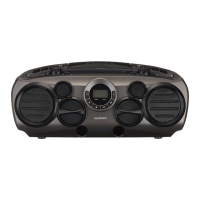
During PLAY mode
The track number and the elapsed playing
Time are displayed.
During PAUSE mode
The track playback is paused, the elapsed
time is flashing.
This sixth track has elapsed
2 min 41sec.
When the is pressed at initial start up.
, then it will
proceed to start playback automatically.
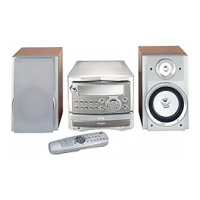
To review the total number of tracks on the disc and total disc time, press the STOP button once.
the disc will begin to spin and after several seconds,
the total number of tracks and total playing time will be shown on the display
9
10
11
12
13
14
15
16
1
2
3
4
5
7
6
8
17
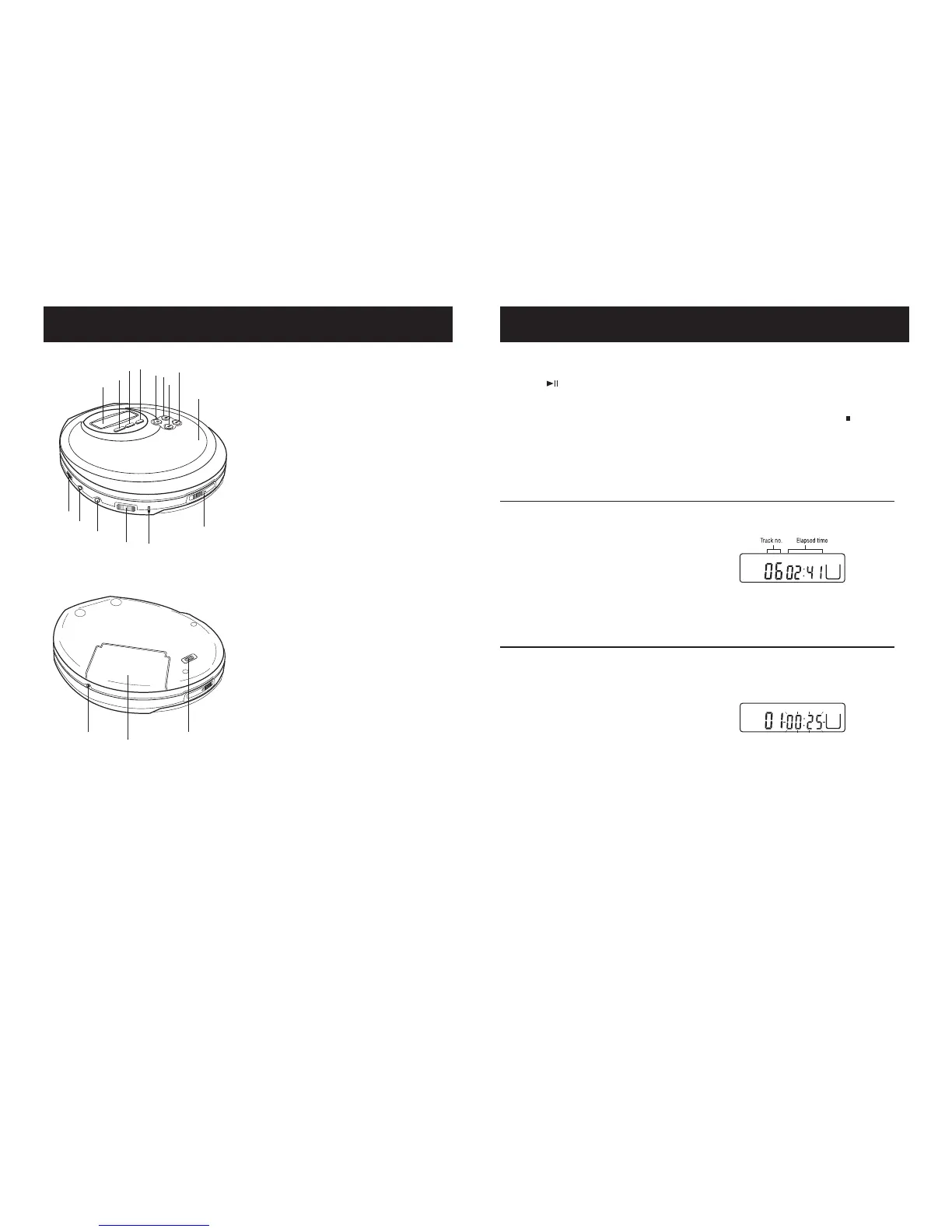
1. LCD (Liquid Crystal Display)
2. PROGRAMME BUTTON
3. BACKWARD SKIP/SEARCH BUTTON
4. ESP (Electronic Shock Protection) BUTTON
5. FORWARD SKIP/SEARCH BUTTON
6. PLAY MODE BUTTON
7. PLAY/PAUSE BUTTON
8. STOP/ POWER OFF BUTTON
9. BASS BOOST SWITCH
10. EAR PHONES SOCKET
11. LINE OUT SOCKET
12. VOLUME CONTROL
13. CD DOOR OPEN SWITCH
14. DC INPUT SOCKET
15. BATTERY COMPARTMENT
16. CHARGE SWITCH
17. CD DOOR
18. CHARGE INDICATOR
18


 To Next Page