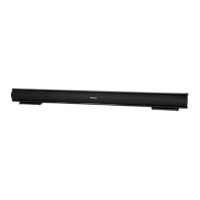
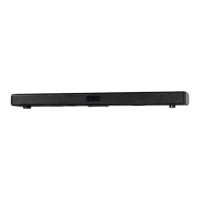
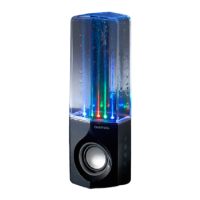
GDBTSPK30
This Bluetooth feature is to stream your music collection from your Bluetooth enabled smart phone
or tablet.It cannot be used to connect to a Smart TV.
Connect to your Bluetooth enabled device
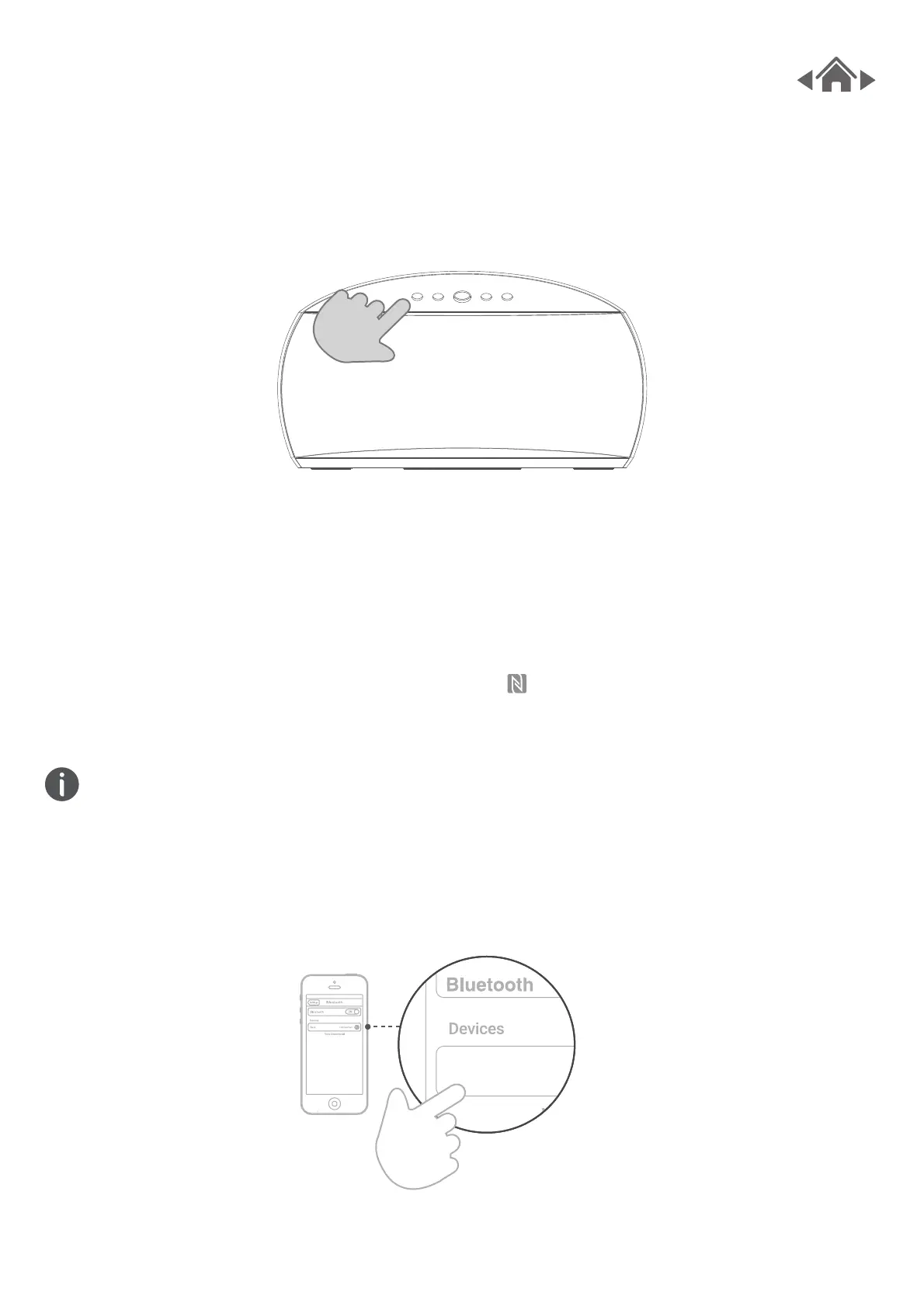
1. Go to the Bluetooth setting on your smartphone, tablet,
computer or other devices.
2. Search and select GDBTSPK30 to connect. If your phone is
NFC compatible, touch the NFC zone, the located on the
top right of GDBTSPK30,
5.1 BLUETOOTH CONNECTIVITY
Set the source type to Bluetooth
5 Features



 To Next Page