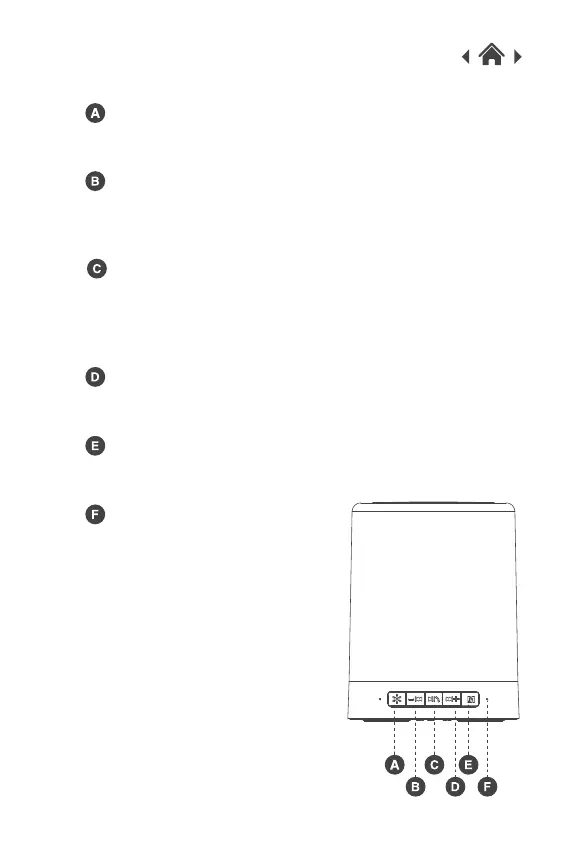
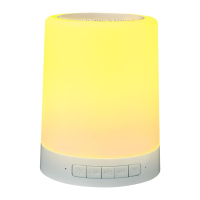
LED Light Switch
Previous Track / Decrease Volume
Play/ Pause/ Answer a Call/ End a Call
2.2 Front View
Next Track / Increase Volume
Mode Button
LED Indicator Light
Press button to choose Bluetooth, TF Card
playback and LINE IN mode.
Press the button to turn ON / OFF the
touch light function.
Press the button once to go back to the
previous track.
Hold the button to decrease the volume.
Press the button to play or pause the music.
When receiving a call, press the button once
to play to answer or end the call.
Hold the button to refuse the call.
Press the button once to skip to the next track.
Hold the button to increase the volume.


 To Next Page