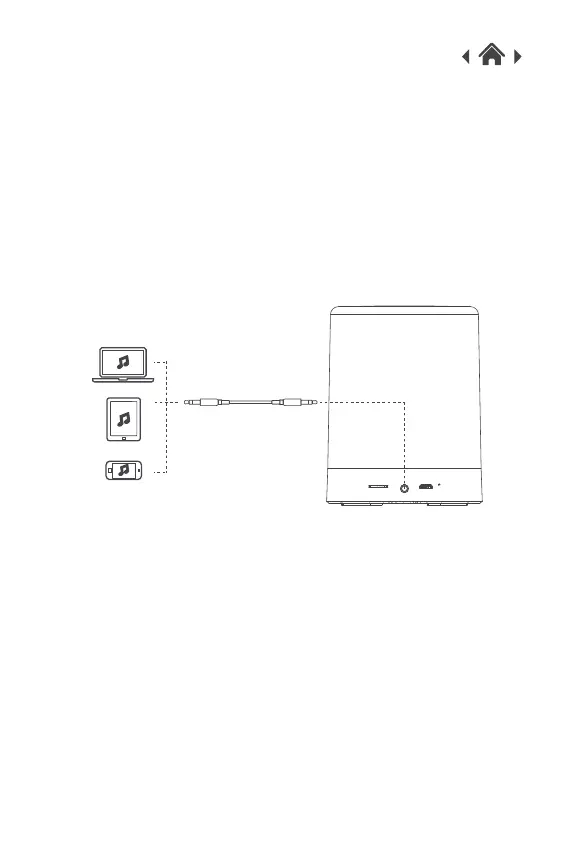
Note: When a Line In cable is connected your
Mood Light Speaker will disconnect from your
Bluetooth device.
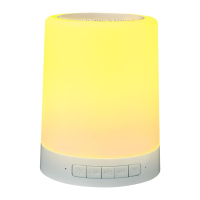
3.6 Using the LED Touch Light
1. Push the Power ON / OFF button to “ON”. Touch the top of
the speaker once to choose the LED light brightness.
2. Press and hold the top of the speaker for about 2 seconds
to switch the LED light to multicolour mode. When in
multicolour mode, press the top of the speaker to change
the colour of the LED light.
3. This LED has multicolour modes: Red, Purple, Green, Pink,
Blue, Alternative and Dynamic.
3.5 Using the LINE IN Connection
1. If your device doesn’t have Bluetooth, you can use the
LINE IN connection.
2. Connect the LINE IN cable to the Mood Light Speaker and
connect the other end to your device.
3. Select your music on your device and play.


 To Next Page