7
V. OSD Menu
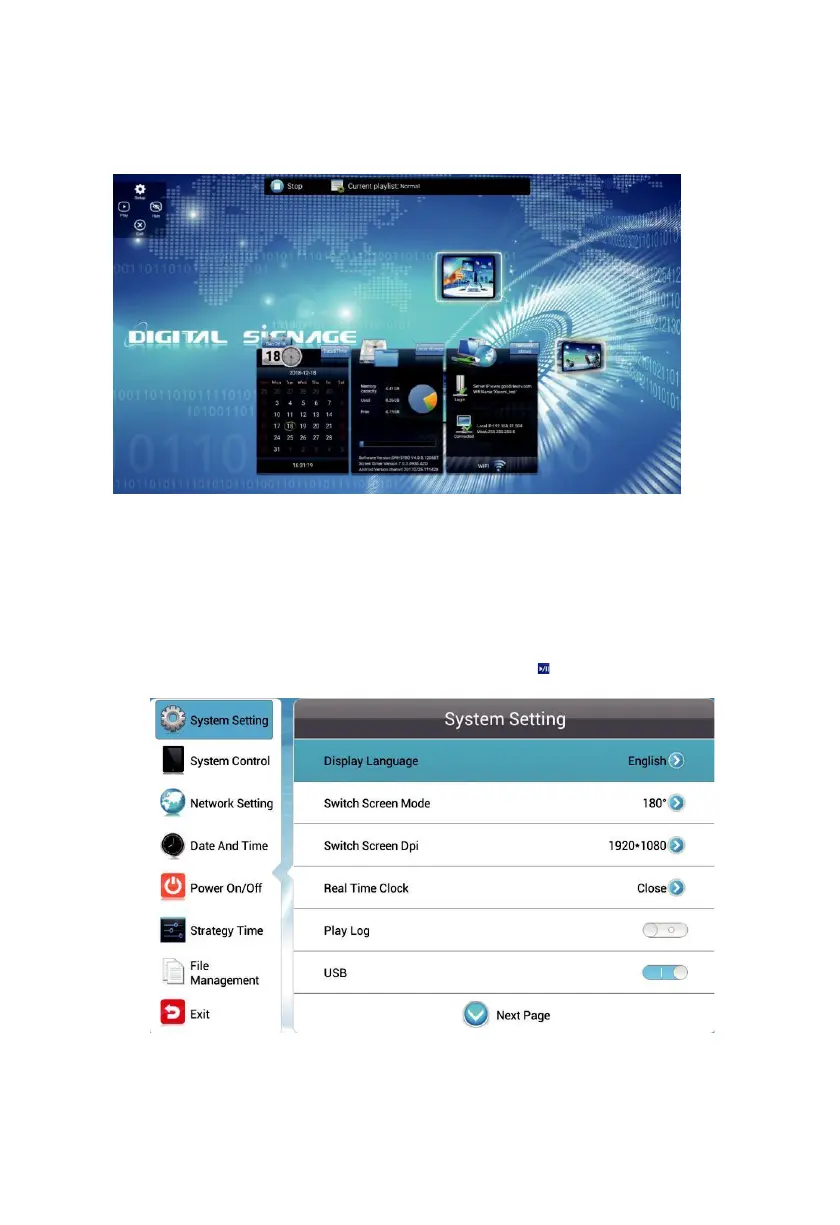
Use the remote control to open the OSD menu to set system parameters. Press STOP
on the remote to stop the current playback and present the home page as shown below.
The middle of the top displays the current playing status, the bottom from the left to
right are time, date and local storage (including apk version, firmware version, local
storage). The working mode is LAN by default.
4.1. System Setting
Navigate to System Settings on the main menu and press on the remote to open it.



 To Next Page