25
4.8 Playback in Single (Stand-alone) mode
“setup” to enable OSD menu -> System Control>Work Mode->Single
(stand-alone)
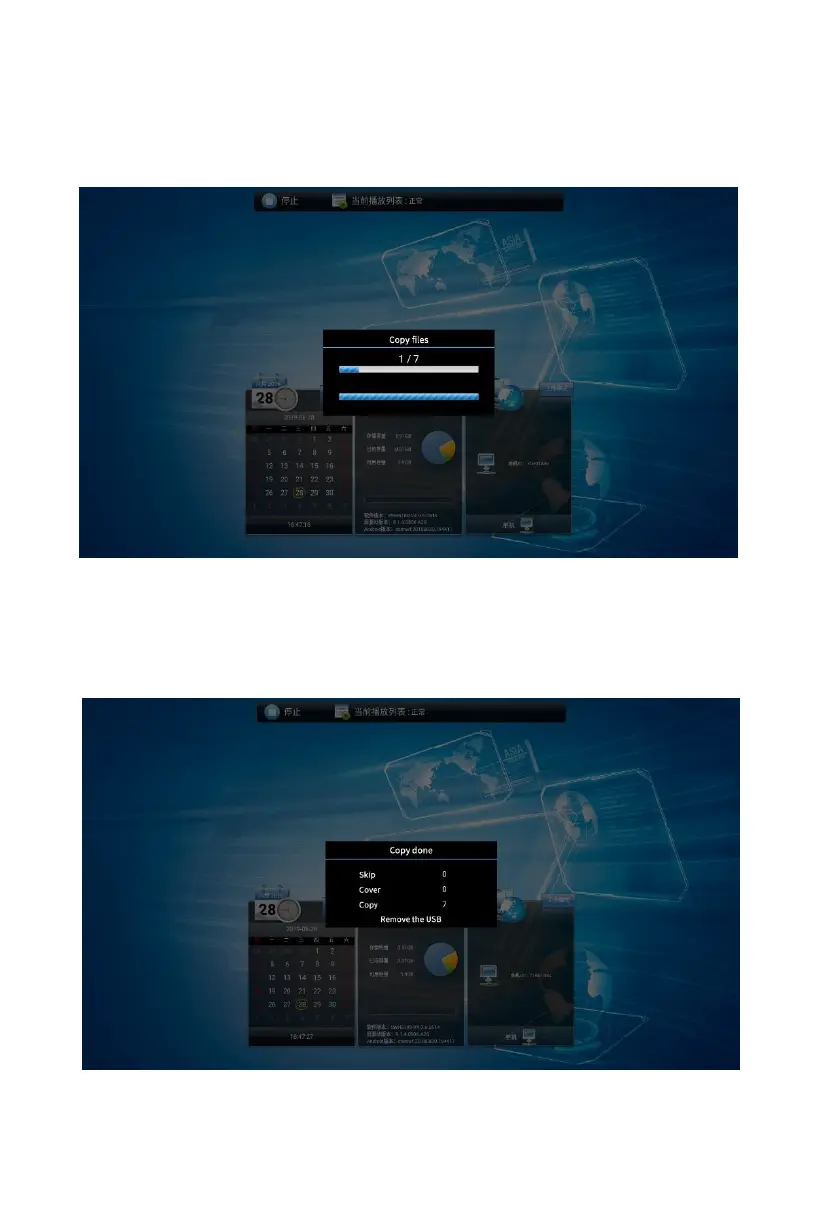
Copy video/picture to the root directory of the USB, insert the USB into the USB
port of the machine, and the system will automatically detect and copy the
program, as shown in the figure below.Confirm if the copied material the same
quantity in USB.


 To Next Page