16
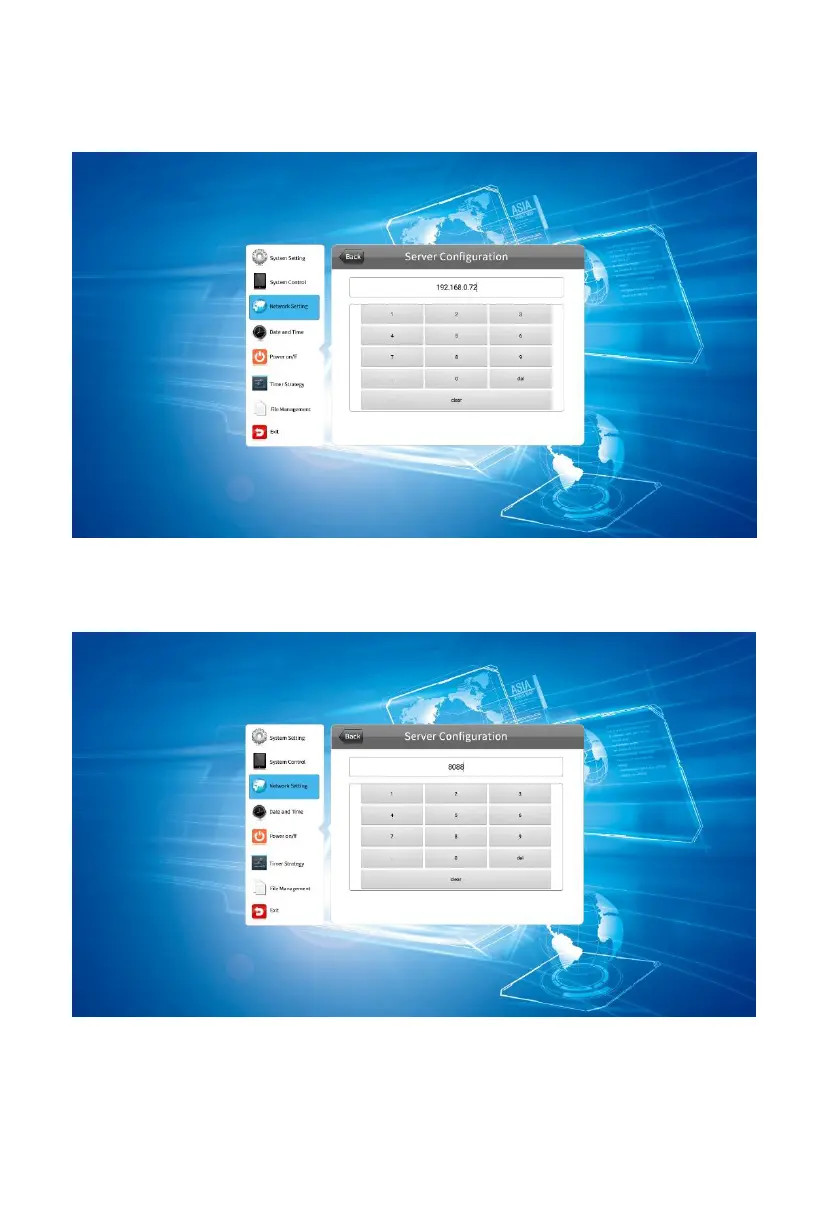
4.3.1 Server Configuration
IP mode: Select IP mode, choose the server address to set.
Select the server port to editing. Port number can be set here. (note: the port number
various for different servers. Only by entering the correct port number can successfully
connect to the server).
Domain name mode:Select domain name to call the server address interface to set.



 To Next Page