05 Commissioning User Manual V1.2-2022-10-30
12
05 Commissioning the Battery
1. Ensure all the BMS connections have been done as per the
instruction provided in this installation manual.
2. You don’t need to assign the battery (ADD) addresses
manually as the master battery will do this for you
(provided the BMS wiring is done per the instruction in this
installation manual).
3. Press the Battery Breaker on all batteries. The green LED
light should light up. (Please note that the batteries won’t
be discharging any power at this stage).
4. Press the Battery Switch on the master battery. That will
start all batteries.
5. The 'Battery' light on the Control Board should be on,
indicating that BMS communication has been established
between the master battery and the inverter and at this
stage you should be able to see the battery on the portal
in the SolarGo app.
Note: You need to check the inverter’s commissioning steps to
complete the commissioning of the whole system.
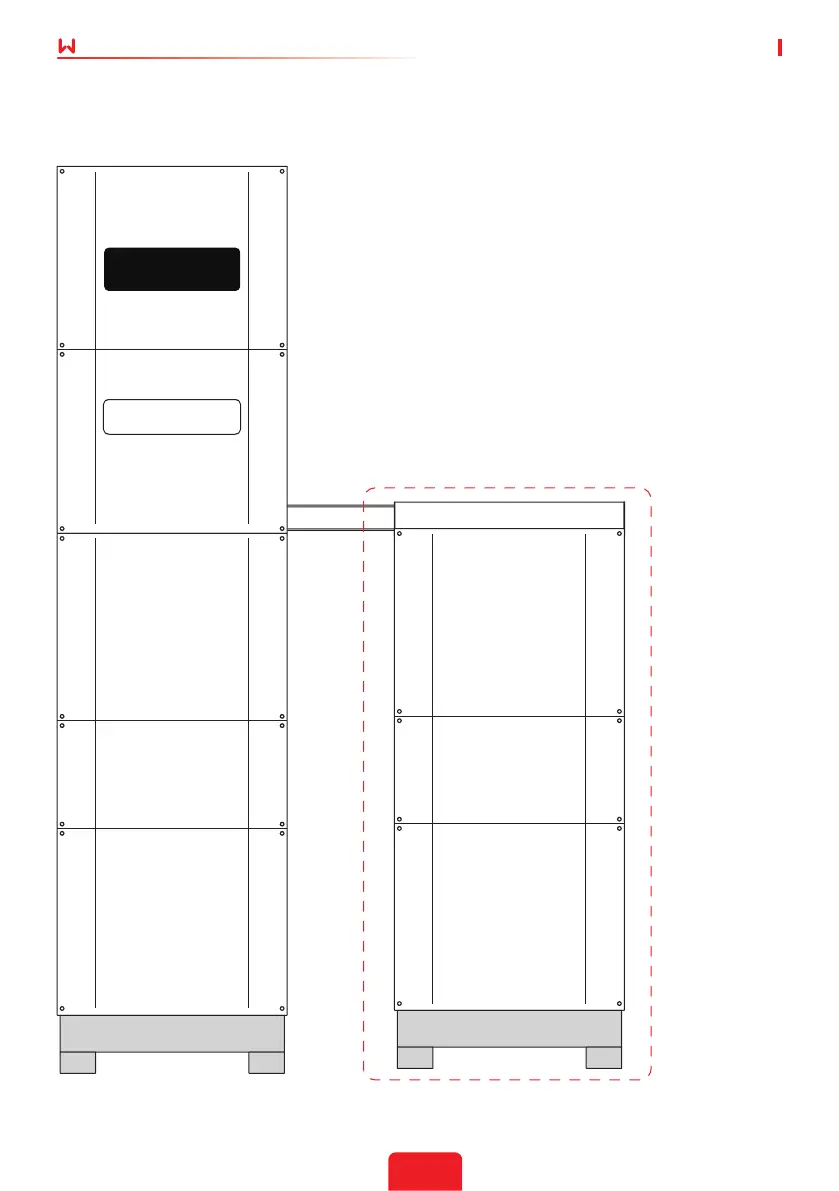
Figure 13: The completed installation of BCL9600
GoodWe Battery (SECU-A)


 To Next Page