Other Setting. 4 of 4
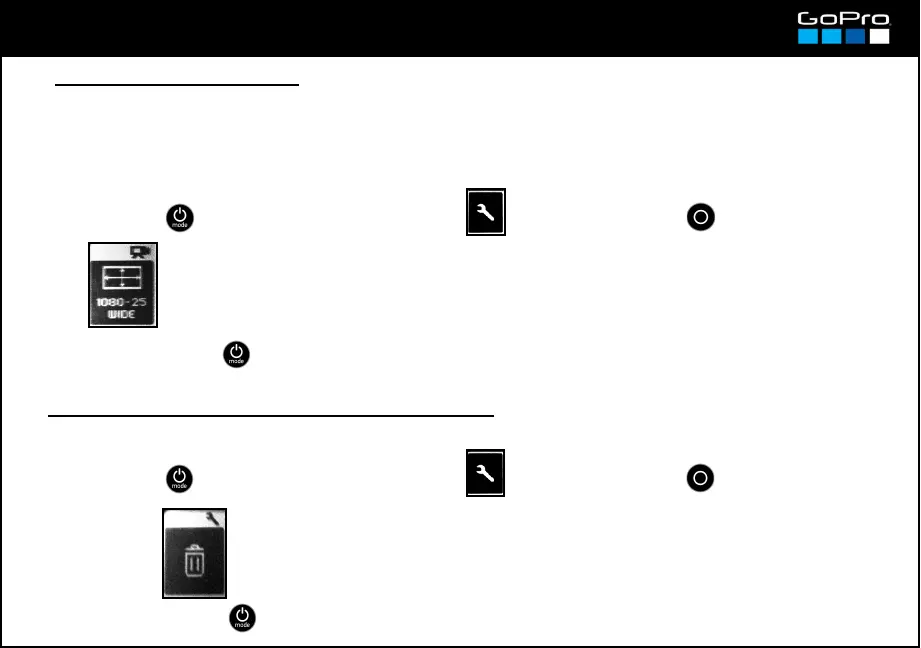
● Deleting the last recorded clip or photo
You can delete the last recorded file, being it a video clip or a photo.
● Auto Low Light Mode
Once activated it works automatically depending on the light in the frame. The camera does it changing
the frame rate. It only works at 48, 50, 60, 100 or 120fps. With those formats, if the camera detects low
light and its format is, i.e. 50fps, it changes from 50 to 25 (+1 stop of light) and duplicates frames to deliver
the 50 frames of the selected format.
→ LOW LIGHT → On / Off
→
25
- Press POWER until you see the Settings Screen , enter with SHUTTER button and go to:
- To exit press POWER until you get to EXIT.
- Press POWER until you see the Settings Screen , enter with SHUTTER button and go to:
- To exit press POWER until you get to EXIT.
select LAST














 To Next Page