Photo Mode Settings
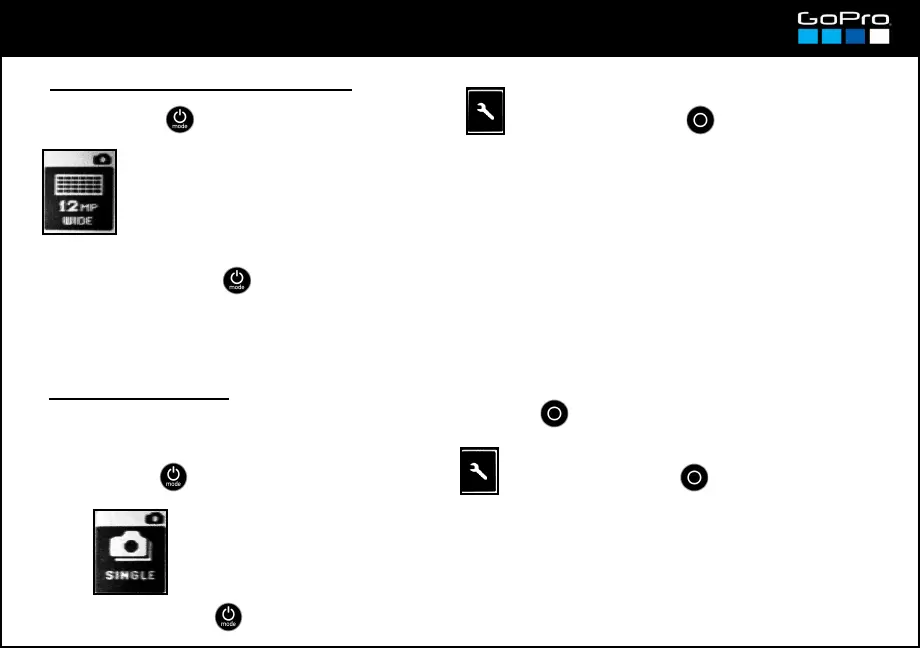
● Resolution & Field of View
→ Select : 12MP WIDE: 12Mp photos (4000x3000. 4:3) with the wider field of view.
7MP WIDE: 7Mp photos (3000x2250. 4:3) with the wider field of view.
7MP MEDIUM: 7Mp photos (300x2250. 4:3) with a narrower field of view.
5MP MEDIUM: 5Mp photos (2560x1920. 4:3) with a narrower field of view
The Field of view setting works like in the Video Mode (see card 14), but in the Photo Mode it is linked to
the Resolution as shown above. You will normally shoot in the Wide position but if you want a closer
frame you can switch to Medium.
● Shot Frequency
You can change this setting so when you press the SHUTTER button instead of taking a single
photo the camera can take 3, 5 or 10 photos per second while you hold down the button.
→ Select: SINGLE / 3 SPS / 5 SPS / 10 SPS
17
In Single you shoot pressing the SHUTTER
button once. In the other positions you
must press and hold SHUTTER to take that
number of photos per second. If you want
the photos to be taken without having to
hold the button see Burst Photo Mode
(card 11).
- Press POWER until you see the Settings Screen , enter with SHUTTER button and go to:
- To exit press POWER until you get to EXIT.
- Press POWER until you see the Settings Screen , enter with SHUTTER button and go to:
- To exit press POWER until you get to EXIT.














 To Next Page