18
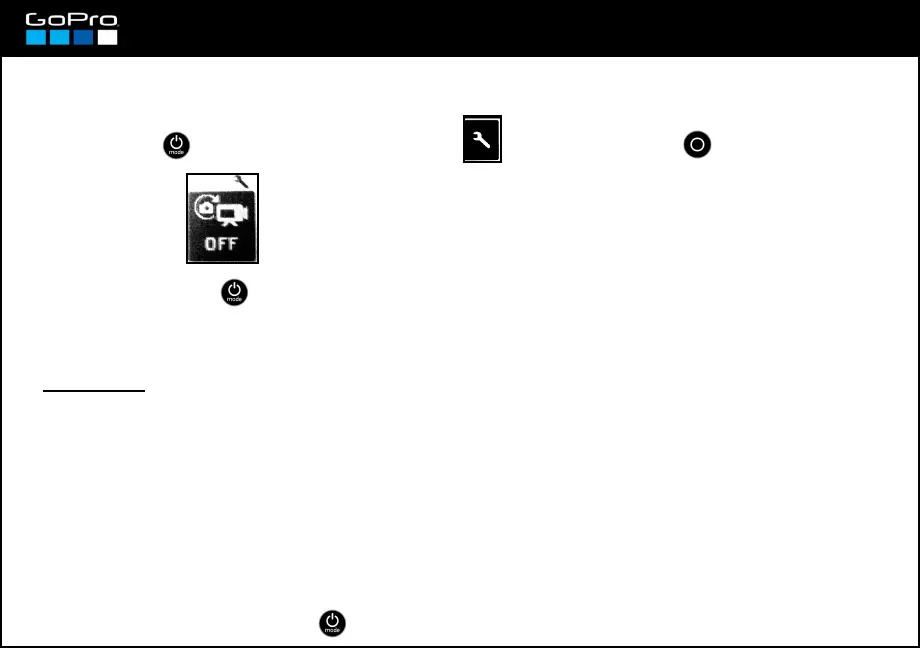
Taking photos automatically while recording video
→ Off / 5 sec / 10 sec / 30 sec / 60 sec
You can tell the camera to take continuous photos while you are recording video. You must select the
number of photos to be taken per second.
-It doesn´t work if you are recording in Protune mode (see card 15)
- It only works if you record in these formats: 1080p 24, 25 & 30fps; 720p 50 & 60fps & 1440p 24fps
- The size of the photo depends on the video format in use:
1440p Wide ! 12Mp photo 1080p, 720p Wide ! 8Mp photo
1080p, 720p Medium ! 5Mp photo 1080p, 720p Narrow ! 2Mp photo
While the mode is activated, the camera will carry on taking that number of photos per
second when you record video.
Limitations:
REMEMBER YOU CAN ALWAYS TAKE A PHOTO MANUALLY WHILE RECORDING VIDEO PRESSING THE
POWER BUTTON . ONLY AVALIABLE IN THE FORMATS ABOVE.
- Press POWER until you see the Settings Screen , enter with SHUTTER button and go to:
- To exit press POWER until you get to EXIT.














 To Next Page