SETUP
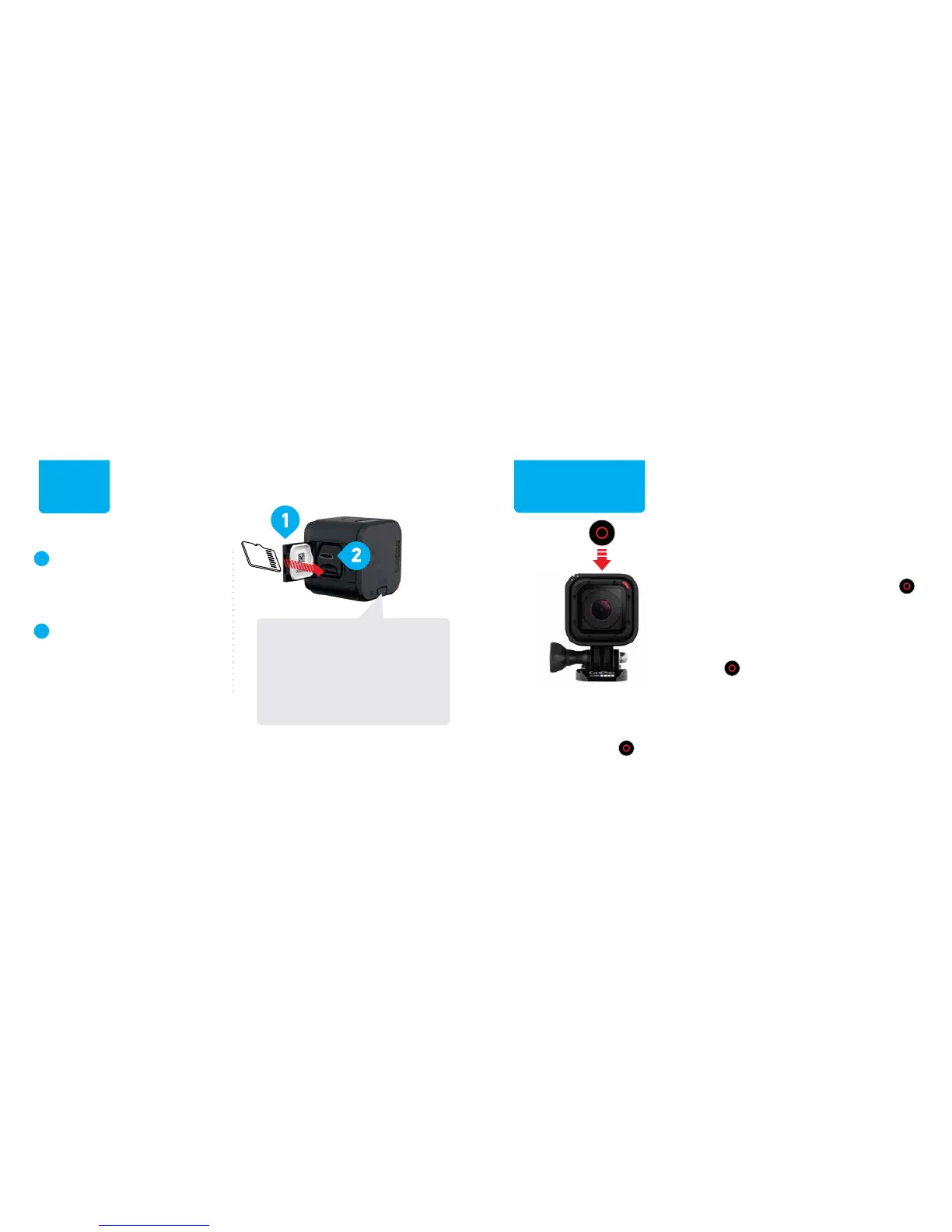
Open the side door and
insert a microSD card.
(Requires at least a Class 10 or UHS-I
microSD card up to 64GB, sold separately.)
Charge using the included
USB cable. The red status
light turns off when fully
charged.
1
2
POWERING ON
+ RECORDING
RECORDING VIDEO
To power on the camera and
record video, short press the
Shutter/Select [ ] button.
SHOOTING TIME LAPSE PHOTOS
To power on the camera and
shoot Time Lapse photos, press
and hold the Shutter/Select [ ]
button until recording begins.
STOPPING + POWERING OFF
Short press the Shutter/Select
[
] button. The camera stops
recording and powers off.
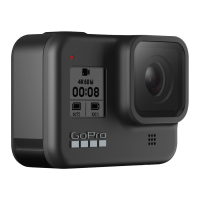
INFO/WIRELESS BUTTON
Get status info for battery,
microSD card and wireless,
and connect to the GoPro
App or the Smart Remote.



 To Next Page