GOPRO APP FREE
Use the GoPro App to view
your photos and videos and
share your favorites via text,
email and social networks.
GOPRO STUDIO FREE
GoPro Studio soware is the
best way to import, play back
and edit your GoPro videos.
You can download it for free at
gopro.com/getstarted.
VIEWING, EDITING
AND SHARING
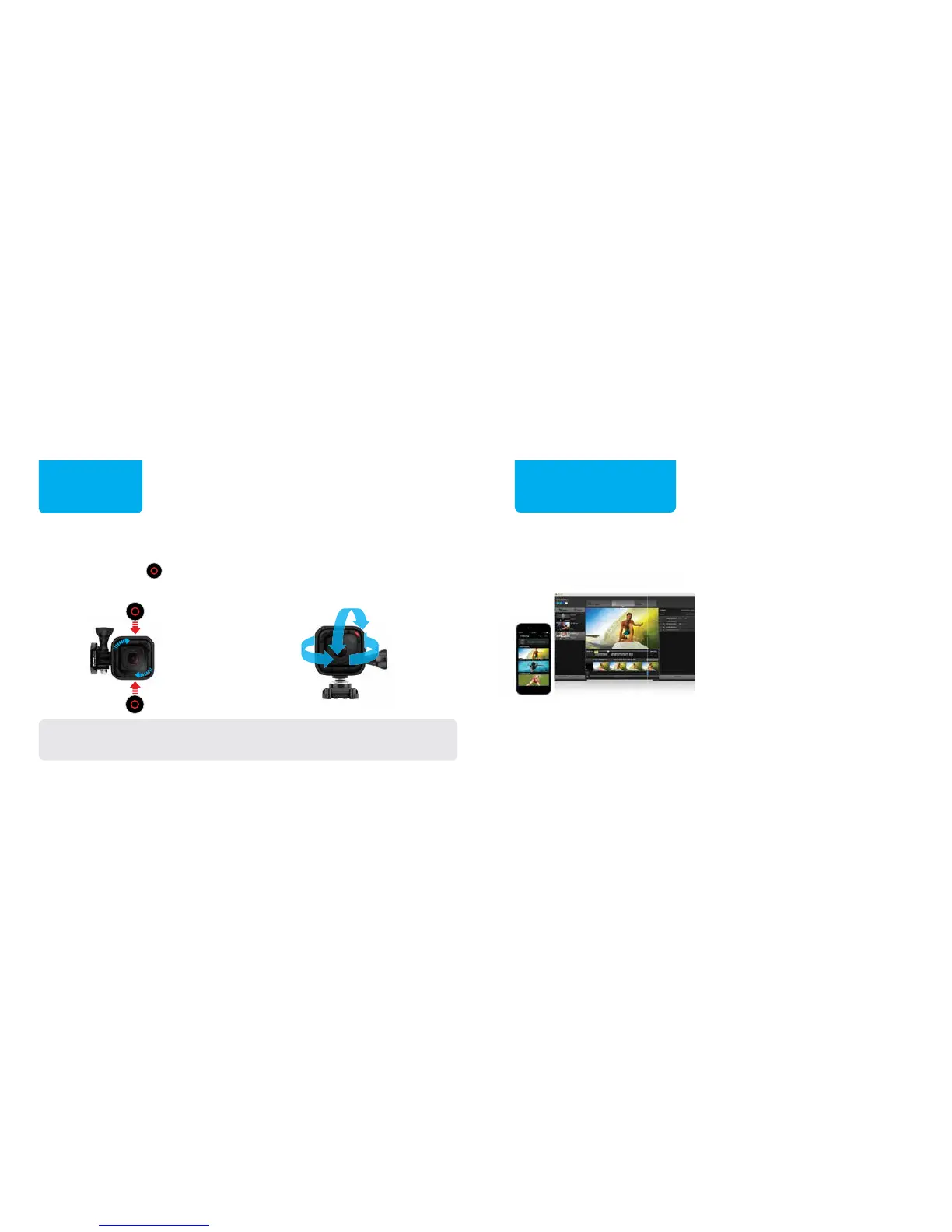
VARIABLE ORIENTATION
Position the camera with the
Shutter/Select [ ] button in
either the up or down position.
BALL JOINT BUCKLE
Use the included Ball Joint Buckle
to easily change capture angles.
FLEXIBLE
MOUNTING
TIP: During water activities, tether the frame to the mount for added
security, and use a Floaty to keep your camera afloat (sold separately).



 To Next Page